TRAINING AVAILABLE
Learn important installation, configuration and programming techniques in the following course(s) from AMX University:
For schedules and registration for these and any AMX University courses, visit www.amx.com/training.
D-Tools Certified Product
This product can be found in the D-Tools manufacturer product database and specified as a third party device when building and proposing a system using D-Tools System Integrator software. D-Tools data includes attributes that make it easier to sell, design, and install systems including: overview, specifications, images, product documentation and more. AMX is a member of the D-Tools Manufacturer Vantage Point (MVP) program designed to provide D-Tools customers the most up-to-date product information.
COUNTRY OF ORIGIN: MEXICO
To satisfy the requirements/regulations of existing or future government programs, this two-letter code is being provided to designate the country of origin for this product.
(Click here for a list of all countries and their respective two-letter code.)
G4 TECHNOLOGY
This product features AMX’s exclusive, powerful G4 graphics engine – the driving force behind the advanced graphics and image processing capability on a variety of AMX Touch Panels and other devices.
NXV-300 Modero Virtual Touch Panel
PDF | 292 KB


Operation/Reference Guide - NXV-300 Modero Virtual Touch Panel
PDF | 993 KB
Installation Guide - NXV-300 Modero Virtual Touch Panel
PDF | 222 KB
| Rev. D
2012 Spring Pocket Guide (Commercial/Residential)
PDF | 25.6 MB

NXV-300 Modero Virtual Touch Panel Firmware
KIT | 18.1 MB
| v 2.1.9
TPDesign4
ZIP | 63.44 MB
| v 3.2.661
TPDesign4 G4 Support Files
ZIP | 29.89 MB
| v 3.1.34
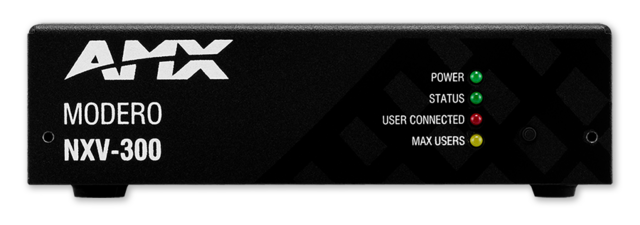
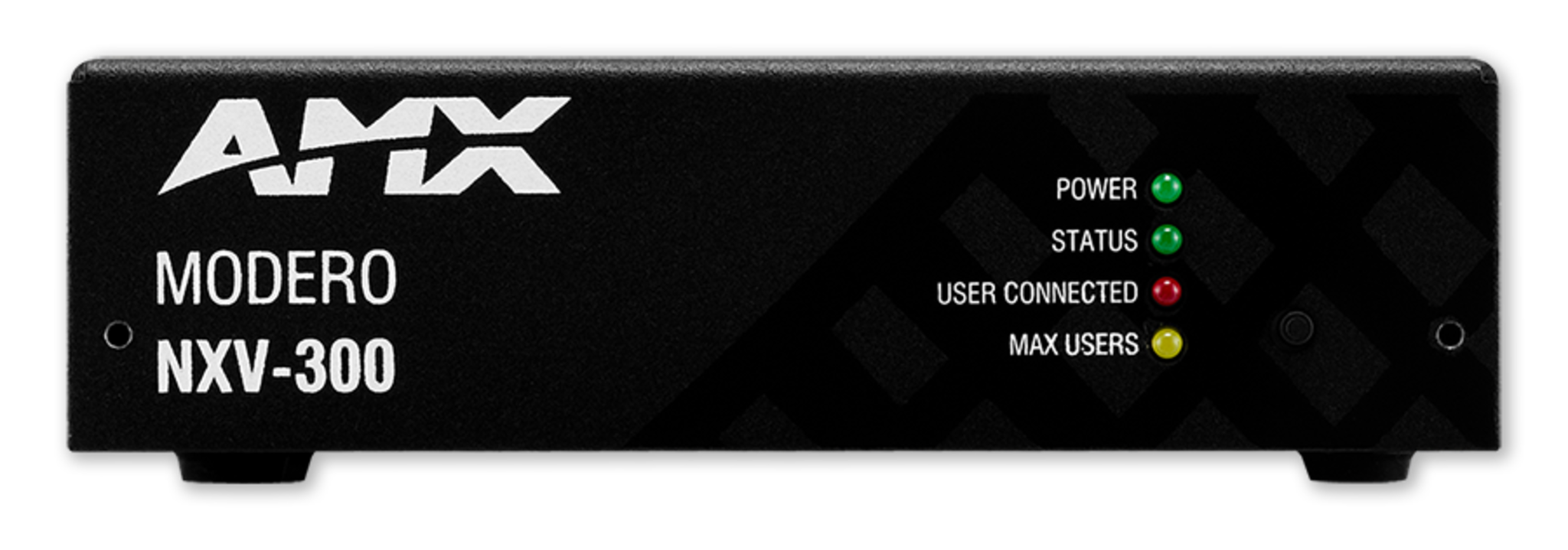
NXV-300 - Front
PNG | 760 KB
NXV-300 - Front High
PNG | 760 KB
NXV-300 - Front Left
PNG | 1.13 MB
NXV-300 - Front Right
PNG | 1.24 MB
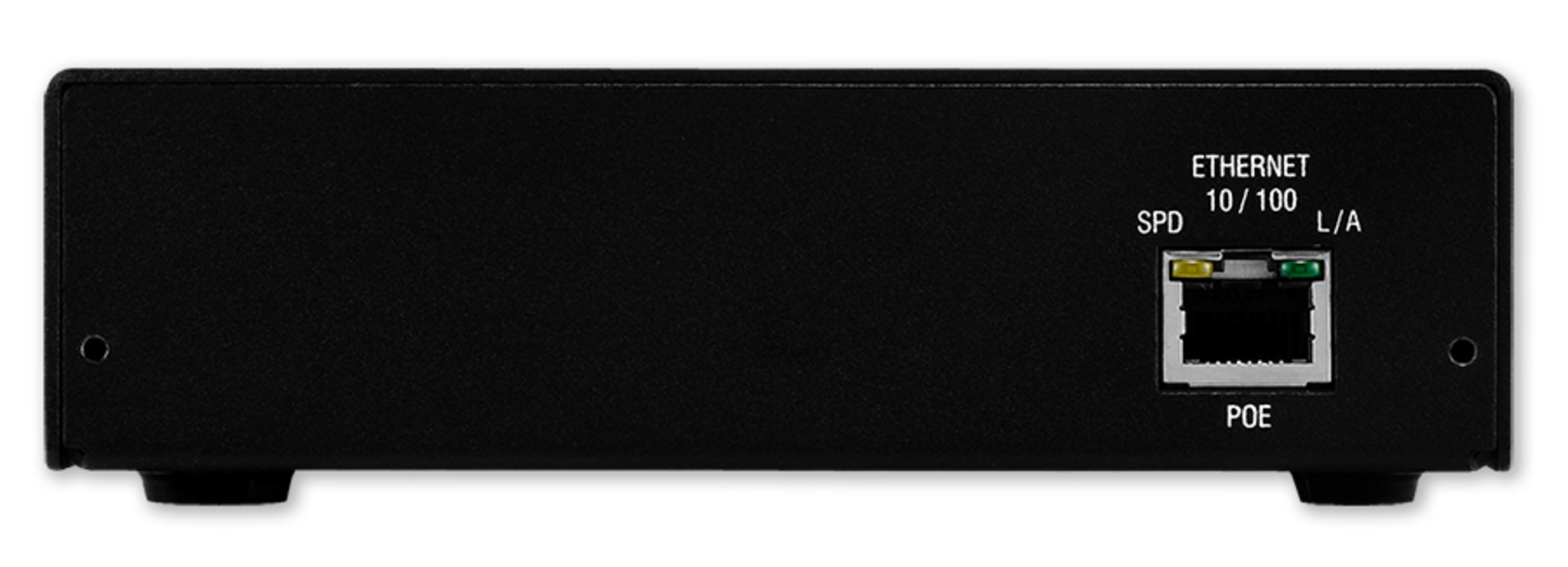
NXV-300 - Rear
PNG | 728 KB

BluHex - Residential
TP4 | 679 KB
Gold Scratch - Residential
TP4 | 679 KB
OVERVIEW
The Modero NXV-300 is an ideal solution when you need the intelligence and ease of use that only a touch panel can offer but from remote locations - the back of the room, across the campus or anywhere over the Internet.
This small rack-mountable device (similar in size to an NI-700 NetLinx Controller) allows users to access their system via any PC or Mac via Virtual Network Connection (VNC). Users simply navigate to the device using a browser (Internet Explorer, Firefox and Safari for PCs and Firefox and Safari for Macs) and login with a username/password.
Except for viewing the device in a browser window and interacting with a mouse, everything looks and works similar to using an Modero Touch Panel. And the NXV-300 is easily configured for viewing. It is viewable in two resolutions, 800x480 and 480x272, which allows the use of many existing touch panel page files.
COMMON APPLICATION
Ideal for simplified room control, convenient back-up in case a touch panel is inaccessible, cost-effective secondary control, or enhanced help desk support.
SPECIFICATIONS DIMENSIONS (HWD) WEIGHT POWER REQUIREMENTS
1 5/8" x 5 1/2" x 4" (4.13 cm x 13.97 cm x 10.32 cm)
1.40 lbs (.64 kg)
MEMORY
FRONT PANEL COMPONENTS
REAR PANEL COMPONENTS
ENVIRONMENTAL
CERTIFICATIONS
Learn important installation, configuration and programming techniques in the following course(s) from AMX University:
For schedules and registration for these and any AMX University courses, visit www.amx.com/training.
| NAME | DESCRIPTION | PART # |
|---|---|---|
| PS-POE-AF | Power over Ethernet Injector | (FG423-80) |