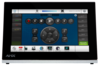
MT-2002
Ngừng sản xuất

20” Modero G5 Tabletop Touch Panel

Hình ảnh lớn hơn

Sản phẩm thay thế

  • MT-1002

    MT-1002

    10.1” Modero G5 Tabletop Touch Panel
  • MT-702

    MT-702

    7” Modero G5 Tabletop Touch Panel

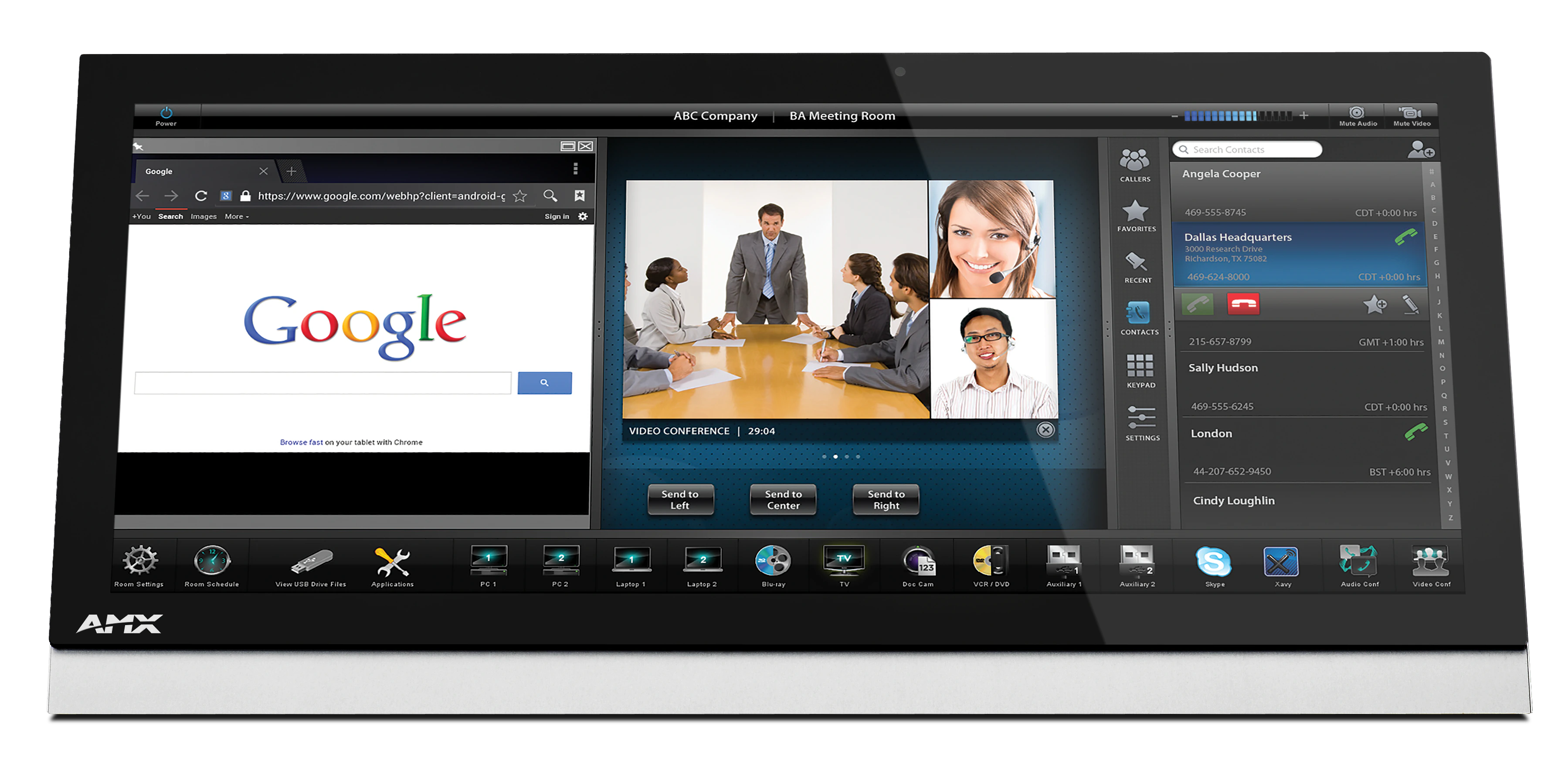
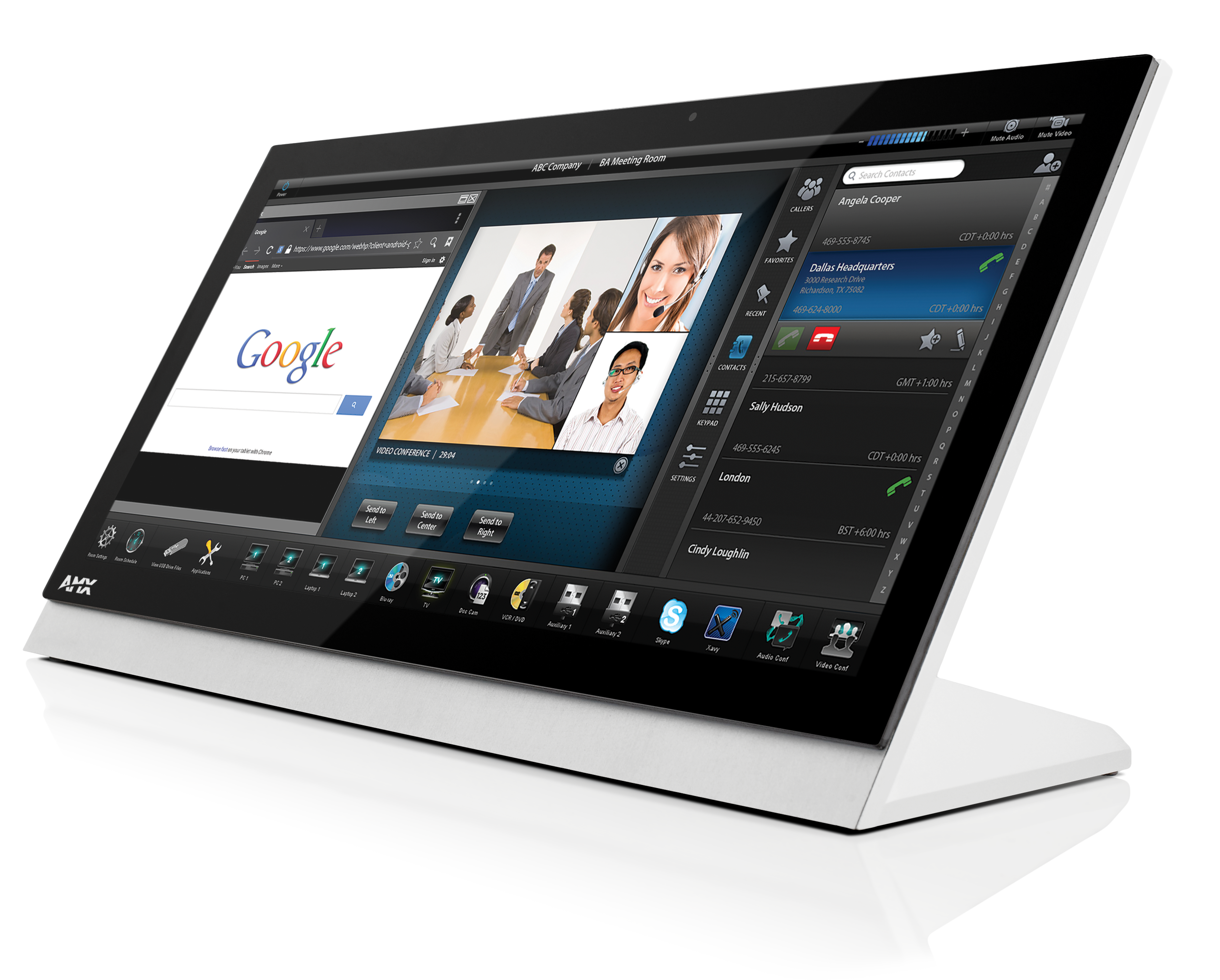
The redesigned Modero G5 20” Tabletop Touch Panel is a premium user interface that includes the G5 graphics engine and delivers superior performance. Designed specifically for dedicated room control, this elegantly-styled touch panel provides fast and smooth animations and transitions, along with a Quad-Core processor that provides more than enough processing power to run the most demanding applications today and in the future. Modero G5 also includes a built-in web browser and document viewers, enabling users to access real-time information during meetings or lectures.

Modero G5 provides several industry firsts including a beautiful, panoramic capacitive multi-touch screen that provides users access to multiple applications with minimal navigation. The distinctive, low-profile design is engineered to sit perfectly on a table without obstructing views, and comes with a variety of mounting options for added security and convenience.
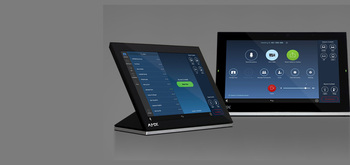
  • WORKS WITH ZOOM ROOMS

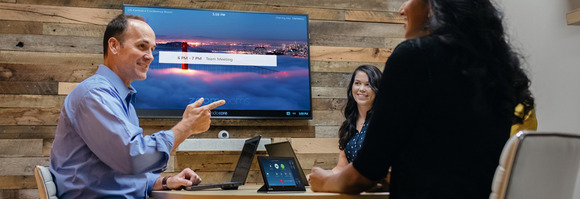
    Modero G5 control panels are the only panels that offer the ability to simultaneously run the Zoom Rooms Controller app alongside Modero G5 room control.
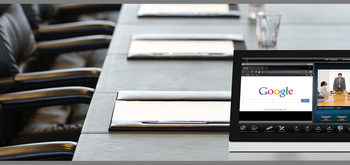
  • THE FACE OF INDUSTRY-LEADING SECURITY

    Facilities around the world place their trust in the industry-leading security of AMX control systems. Modero G5 panels allow users to securely control their devices and environment via a single, streamlined interface.

  • SINGLE POINT OF CONTROL

    A control panel integrates all the functionality you need into a single point of control. Manage meeting spaces, classrooms, briefing rooms, auditoriums and more with intuitive user selections that get complicated technology interactions out of the way.

  • SIMPLIFY STARTING THE MEETING

    Automation lets you combine all of the actions at the start of a meeting into a single button press. Simply press "ON" and the lights come on, the display powers up and switches to the correct input and your meeting is ready to begin.
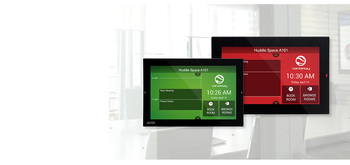
  • QUICK ROOM SCHEDULING

    Modero G5 wall-mount panels can be configured to run the Acendo Book interface, providing the option to deploy them as dedicated scheduling panels. These panels include capacitive touch glass, large side LEDs, and our popular Acendo Book functionality.

featured content

WORKS WITH ZOOM ROOMS

Modero G5 control panels are the only panels that offer the ability to simultaneously run the Zoom Rooms Controller app alongside Modero G5 room control.

featured content

THE FACE OF INDUSTRY-LEADING SECURITY

Facilities around the world place their trust in the industry-leading security of AMX control systems. Modero G5 panels allow users to securely control their devices and environment via a single, streamlined interface.

featured content

SINGLE POINT OF CONTROL

A control panel integrates all the functionality you need into a single point of control. Manage meeting spaces, classrooms, briefing rooms, auditoriums and more with intuitive user selections that get complicated technology interactions out of the way.

featured content

SIMPLIFY STARTING THE MEETING

Automation lets you combine all of the actions at the start of a meeting into a single button press. Simply press "ON" and the lights come on, the display powers up and switches to the correct input and your meeting is ready to begin.

featured content

QUICK ROOM SCHEDULING

Modero G5 wall-mount panels can be configured to run the Acendo Book interface, providing the option to deploy them as dedicated scheduling panels. These panels include capacitive touch glass, large side LEDs, and our popular Acendo Book functionality.
Thêm Chi tiết

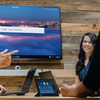
  • Modero G5 is ideal for boardrooms, conference rooms or auditoriums where a premium control surface is needed to provide access to multiple functions simultaneously while remaining elegantly unobtrusive.
  • In Higher Education, Modero G5 is ideal for lecture halls, auditoriums, performing arts theaters and boardrooms that require extensive control capabilities.

Tải xuống

CAD Drawings
  Kích thước Đã tải lên
file type icon Pictorial Drawing - MT-2002 (PDF)
cập nhật: Thg 3 2019
80 KB Thg 3 2019
file type icon Pictorial Drawing - MT-2002 (DXF)
cập nhật: Thg 3 2019
10 MB Thg 3 2019
file type icon Pictorial Drawing - MT-2002 (DWG)
cập nhật: Thg 3 2019
2 MB Thg 3 2019
Software
  Phiên bản Kích thước Đã tải lên
download icon for Zoom Rooms App Zoom Rooms App
phiên bản 5.13.5, phát hành: Thg 3 2023
5.13.5  
Firmware
  Phiên bản Kích thước Đã tải lên
download icon for Modero G5 (MD & MT) Touch Panel Firmware Modero G5 (MD & MT) Touch Panel Firmware
phiên bản 1.8.55, phát hành: Thg 10 2022
1.8.55   300 MB Thg 10 2022
Quick Start Guides
  Kích thước Đã tải lên
file type icon Quick Start Guide Guide - MT-2002
cập nhật: Thg 10 2020
500 KB Thg 10 2020
Data Sheets
  Kích thước Đã tải lên
file type icon Data Sheet - MT-2002
cập nhật: Thg 10 2020
800 KB Thg 10 2020
Certifications
  Kích thước Đã tải lên
file type icon MT-2002 CE Declaration of Conformity
cập nhật: Thg 10 2020
600 KB Thg 10 2020
file type icon MT-2002 IECEE CB Test Certificate 62368
cập nhật: Thg 10 2020
200 KB Thg 10 2020
20 KB Thg 10 2020
Install Guides
  Kích thước Đã tải lên
file type icon Install Guide - Zoom Rooms and Modero G5
cập nhật: Thg 1 2021
200 KB Thg 1 2021

Nếu bất kỳ liên kết nào ở trên hiển thị ký tự lạ trong trình duyệt của bạn, vui lòng nhấp chuột phải vào tệp để lưu vào máy tính của bạn.

Tính năng

  • Công cụ Đồ họa G5 và Xử lý Quad-Core – Xử lý mạnh nhất trong ngành cung cấp cử chỉ mượt mà, vuốt, sắp xếp lại động, hoạt ảnh nâng cao với chuyển tiếp ở tốc độ cao hơn để mang lại trải nghiệm mà bất kỳ người dùng nào cũng sẽ thích
  • Màn hình Cảm ứng điện dung – Màn hình cảm ứng nhanh và hoàn hảo giúp tăng cường độ bền của màn hình, khả năng chống bám bẩn và xước
  • Cập nhật Bảng điều khiển Doanh nghiệp Đơn giản hóa và Firmware – Triển khai và cập nhật các tệp bảng điều khiển cảm ứng và tệp firmware từ URL mạng để đơn giản hóa các cập nhật trên toàn công ty
  • Trình duyệt Web, Trình xem Tài liệu và Enzo Sharing tích hợp sẵn – Thuận tiện đơn giản hóa việc truy cập và trình bày nội dung và tài liệu thực tế trong các cuộc họp. Chỉ cần xem trước các tệp được truy cập thông qua trình duyệt web gốc, USB hoặc ứng dụng lưu trữ đám mây trước khi gửi nội dung trực tiếp đến Enzo
  • Chế độ Bảo mật có thể điều chỉnh – Với khả năng chọn từ chế độ bảo mật cao hoặc chế độ tùy chỉnh, các quản trị viên có thể tùy chỉnh mức bảo mật của bảng điều khiển cho quyền truy cập, kết nối mạng và liên lạc
  • Hoàn hảo từ Bất kỳ Góc độ nào – Bao gồm Chuyển đổi trong mặt phẳng (IPS), cung cấp các góc nhìn rộng nhất và tái tạo màu sắc chính xác nhất trên thị trường
  • Trải nghiệm Người dùng Nâng cao – Modero có các chức năng giao diện trực quan bao gồm: cử chỉ, vuốt, sắp xếp lại động và khả năng hoạt ảnh nâng cao
  • Xem và Chọn Dữ liệu Động với Nút Listview – Hiển thị một danh sách các mục được tạo bởi nguồn dữ liệu động (ví dụ: danh bạ liên hệ, nhật ký cuộc gọi, nguồn cấp RSS hoặc các nguồn dữ liệu thực tế khác) cho phép người dùng cuộn hoặc tìm kiếm để thực hiện lựa chọn

Thông số kỹ thuật

Display Size (WH) Landscape 19.52” x 9.52” (496mm x 217mm), 21.29” (541 mm) diagonal
Viewable Area (WH) Landscape 18.7” x 7.8” (475 mm x 198 mm), 20.3” (514 mm) diagonal
Resolution 1920x800
Touch Overlay Capacitive
FG Numbers FG5969-35

Tin tức

MT-2002
Ngừng sản xuất

20” Modero G5 Tabletop Touch Panel