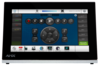
MT-2002
Eingestellt

20" Modero G5 Tisch-Touchpanel

MT-2002_Front
Größere Bilder

Ersatzprodukte

  • MT-1002

    MT-1002

    10,1" Modero G5 Tabletop Touch Panel
  • MT-702

    MT-702

    7" Modero G5 Tabletop Touch Panel

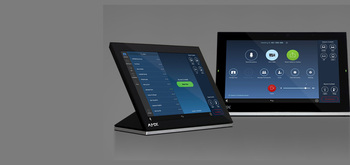
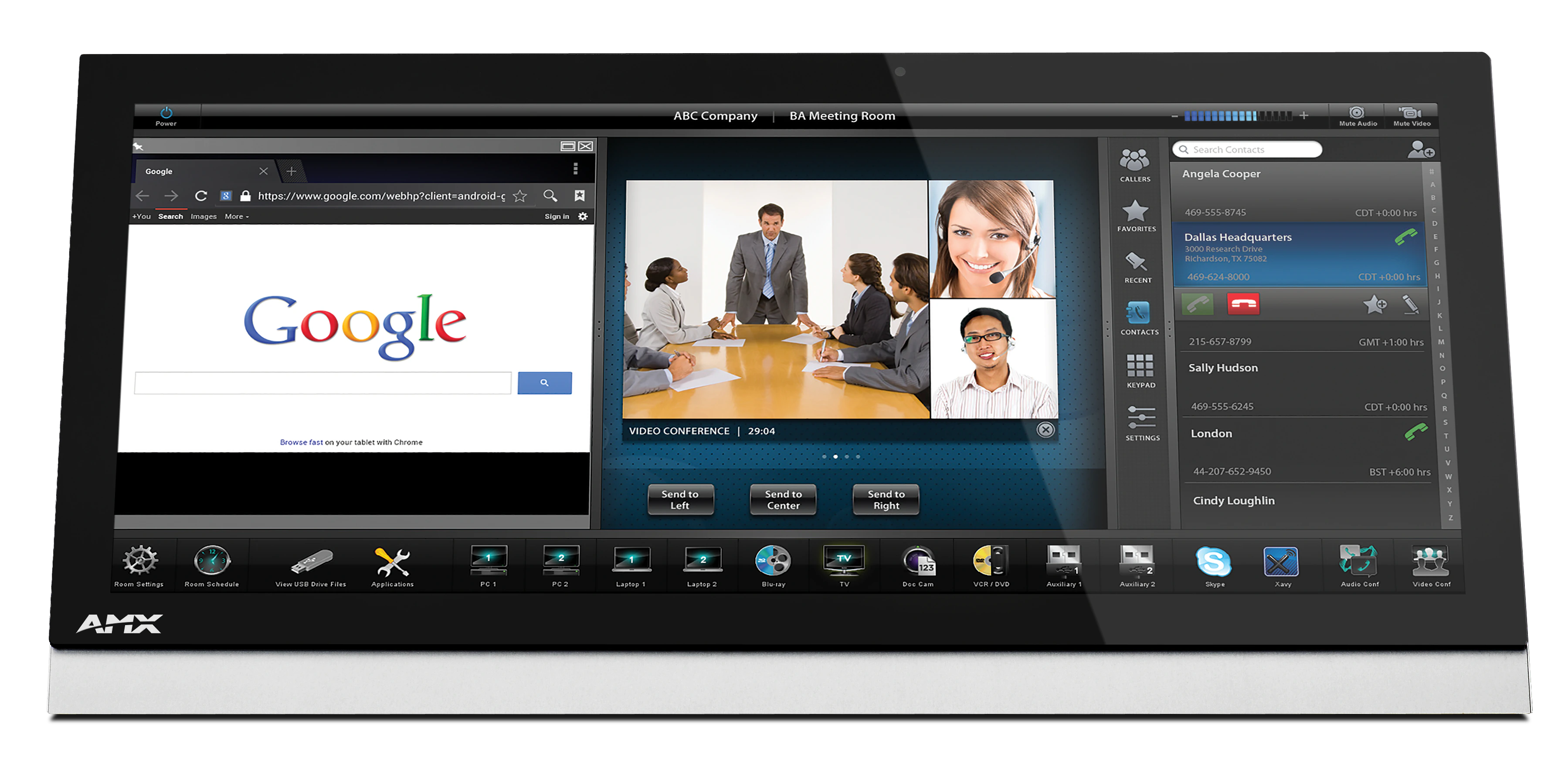
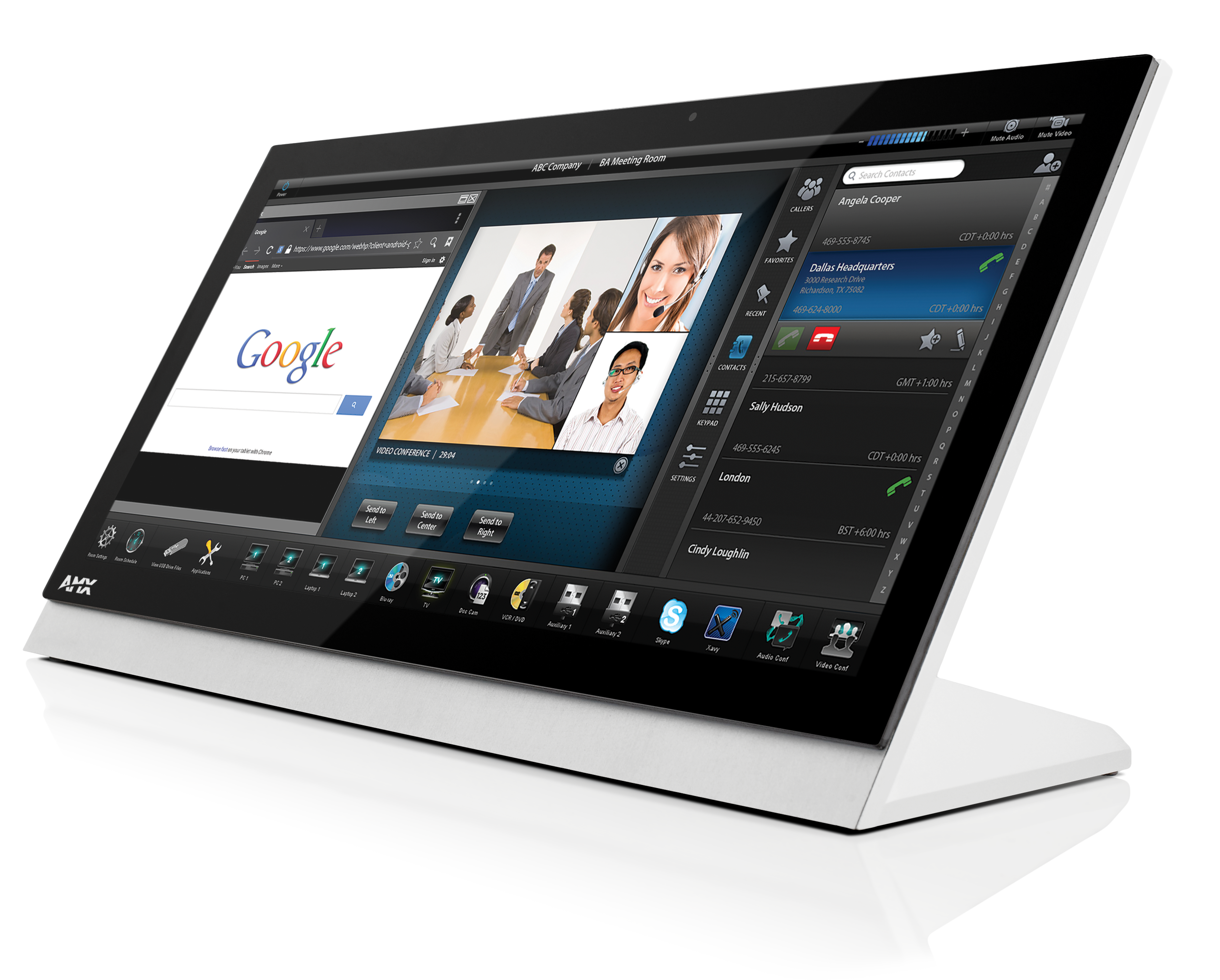
Das überarbeitete Modero G5 20" Tabletop-Touchpanel ist eine Premium-Benutzeroberfläche, die die G5-Grafikengine enthält und überlegene Leistung bietet. Dieses elegant gestaltete Touchpanel wurde speziell für die dedizierte Raumsteuerung konzipiert und bietet schnelle und flüssige Animationen und Übergänge sowie einen Quad-Core-Prozessor, der mehr als ausreichend Verarbeitungsleistung für die anspruchsvollsten Anwendungen heute und in der Zukunft bereitstellt. Das Modero G5 verfügt auch über einen integrierten Webbrowser und Document Viewer, mit denen Benutzer während Meetings oder Vorträgen auf Echtzeitinformationen zugreifen können.

Das Modero G5 bietet mehrere Branchenpremieren, darunter einen schönen, panoramischen kapazitiven Multi-Touch-Bildschirm, der Benutzern Zugriff auf mehrere Anwendungen mit minimaler Navigation bietet. Das charakteristische, flache Design ist so konstruiert, dass es perfekt auf einem Tisch sitzt, ohne die Sicht zu beeinträchtigen, und wird mit verschiedenen Montageoptionen für zusätzliche Sicherheit und Komfort geliefert.

  • WORKS WITH ZOOM ROOMS

    Modero G5 control panels are the only panels that offer the ability to simultaneously run the Zoom Rooms Controller app alongside Modero G5 room control.
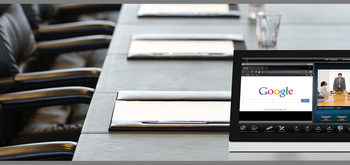
  • THE FACE OF INDUSTRY-LEADING SECURITY

    Facilities around the world place their trust in the industry-leading security of AMX control systems. Modero G5 panels allow users to securely control their devices and environment via a single, streamlined interface.

  • SINGLE POINT OF CONTROL

    A control panel integrates all the functionality you need into a single point of control. Manage meeting spaces, classrooms, briefing rooms, auditoriums and more with intuitive user selections that get complicated technology interactions out of the way.

  • SIMPLIFY STARTING THE MEETING

    Automation lets you combine all of the actions at the start of a meeting into a single button press. Simply press "ON" and the lights come on, the display powers up and switches to the correct input and your meeting is ready to begin.
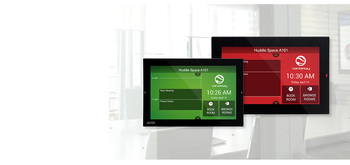
  • QUICK ROOM SCHEDULING

    Modero G5 wall-mount panels can be configured to run the Acendo Book interface, providing the option to deploy them as dedicated scheduling panels. These panels include capacitive touch glass, large side LEDs, and our popular Acendo Book functionality.

featured content

WORKS WITH ZOOM ROOMS

Modero G5 control panels are the only panels that offer the ability to simultaneously run the Zoom Rooms Controller app alongside Modero G5 room control.

featured content

THE FACE OF INDUSTRY-LEADING SECURITY

Facilities around the world place their trust in the industry-leading security of AMX control systems. Modero G5 panels allow users to securely control their devices and environment via a single, streamlined interface.

featured content

SINGLE POINT OF CONTROL

A control panel integrates all the functionality you need into a single point of control. Manage meeting spaces, classrooms, briefing rooms, auditoriums and more with intuitive user selections that get complicated technology interactions out of the way.

featured content

SIMPLIFY STARTING THE MEETING

Automation lets you combine all of the actions at the start of a meeting into a single button press. Simply press "ON" and the lights come on, the display powers up and switches to the correct input and your meeting is ready to begin.

featured content

QUICK ROOM SCHEDULING

Modero G5 wall-mount panels can be configured to run the Acendo Book interface, providing the option to deploy them as dedicated scheduling panels. These panels include capacitive touch glass, large side LEDs, and our popular Acendo Book functionality.

Mehr Details

  • Modero G5 is ideal for boardrooms, conference rooms or auditoriums where a premium control surface is needed to provide access to multiple functions simultaneously while remaining elegantly unobtrusive.
  • In Higher Education, Modero G5 is ideal for lecture halls, auditoriums, performing arts theaters and boardrooms that require extensive control capabilities.

Downloads

CAD Drawings
  Größe Hochgeladen
file type icon Pictorial Drawing - MT-2002 (PDF)
aktualisiert: Mär 2019
83,1 KB Mär 2019
file type icon Pictorial Drawing - MT-2002 (DXF)
aktualisiert: Mär 2019
14,2 MB Mär 2019
file type icon Pictorial Drawing - MT-2002 (DWG)
aktualisiert: Mär 2019
2,15 MB Mär 2019
Software
  Version Größe Hochgeladen
download icon for Zoom Rooms App Zoom Rooms App
Version 5.13.5, veröffentlicht: Mär 2023
5.13.5  
Firmware
  Version Größe Hochgeladen
download icon for Modero G5 (MD & MT) Touch Panel Firmware Modero G5 (MD & MT) Touch Panel Firmware
Version 1.8.55, veröffentlicht: Okt 2022
1.8.55   276 MB Okt 2022
Quick Start Guides
  Größe Hochgeladen
file type icon Quick Start Guide Guide - MT-2002
aktualisiert: Okt 2020
476 KB Okt 2020
Data Sheets
  Größe Hochgeladen
file type icon Data Sheet - MT-2002
aktualisiert: Okt 2020
758 KB Okt 2020
Certifications
  Größe Hochgeladen
file type icon MT-2002 CE Declaration of Conformity
aktualisiert: Okt 2020
613 KB Okt 2020
165 KB Okt 2020
24 KB Okt 2020
Install Guides
  Größe Hochgeladen
167 KB Jan 2021

Falls einer der obigen Links zu seltsamen Zeichen in Ihrem Browser führt, klicken Sie bitte mit der rechten Maustaste auf die Datei, um sie auf Ihrem Computer zu speichern.

Eigenschaften

  • G5 Graphics Engine and Quad-Core Processing – The most powerful processing in the industry delivers smooth gesturing, swiping, dynamic reordering, enhanced animation with transitions all at higher speeds for an experience any user will enjoy
  • Capacitive Touch Screen – A fast and flawless touch screen that enhances screen durability, smudge and scratch resistance
  • Simplified Enterprise Touch Panel and Firmware Updates – Deploy and update touch panel files and firmware files from a network URL for simplified company-wide updates
  • Built-in Web Browser, Document Viewers and Enzo Sharing – Conveniently simplifies accessing and presenting real-time content and documents during meetings. Simply preview files accessed via the native web browser, USB, or cloud storage apps before sending content directly to Enzo
  • Adjustable Security Modes – With the ability to select from high security or custom modes, administrators can customize the panel’s security levels for access, networking and communication
  • Perfect from Any Angle – Includes In-Plane Switching (IPS), which delivers the widest viewing angles and the most accurate color reproduction on the market
  • Enhanced User Experience – Modero features intuitive UI functionality including: gesturing, swiping, dynamic reordering and enhanced animation capabilities
  • View and Select Dynamic Data with Listview Buttons – Display a listing of entries generated by a dynamic data source (e.g. phonebook contacts, call logs, RSS feed or other real time data sources) enabling the user to scroll or search to make a selection

Spezifikationen

Display Size (WH) Landscape 19.52” x 9.52” (496mm x 217mm), 21.29” (541 mm) diagonal
Viewable Area (WH) Landscape 18.7” x 7.8” (475 mm x 198 mm), 20.3” (514 mm) diagonal
Resolution 1920x800
Touch Overlay Capacitive
FG Numbers FG5969-35

Nachrichten

HARMAN Professional Solutions: