MT-2002
단종

20” Modero G5 Tabletop Touch Panel

MT-2002_Front
큰 이미지

대체 제품

  • MT-1002

    MT-1002

    10.1” Modero G5 Tabletop Touch Panel
  • MT-702

    MT-702

    7” Modero G5 Tabletop Touch Panel

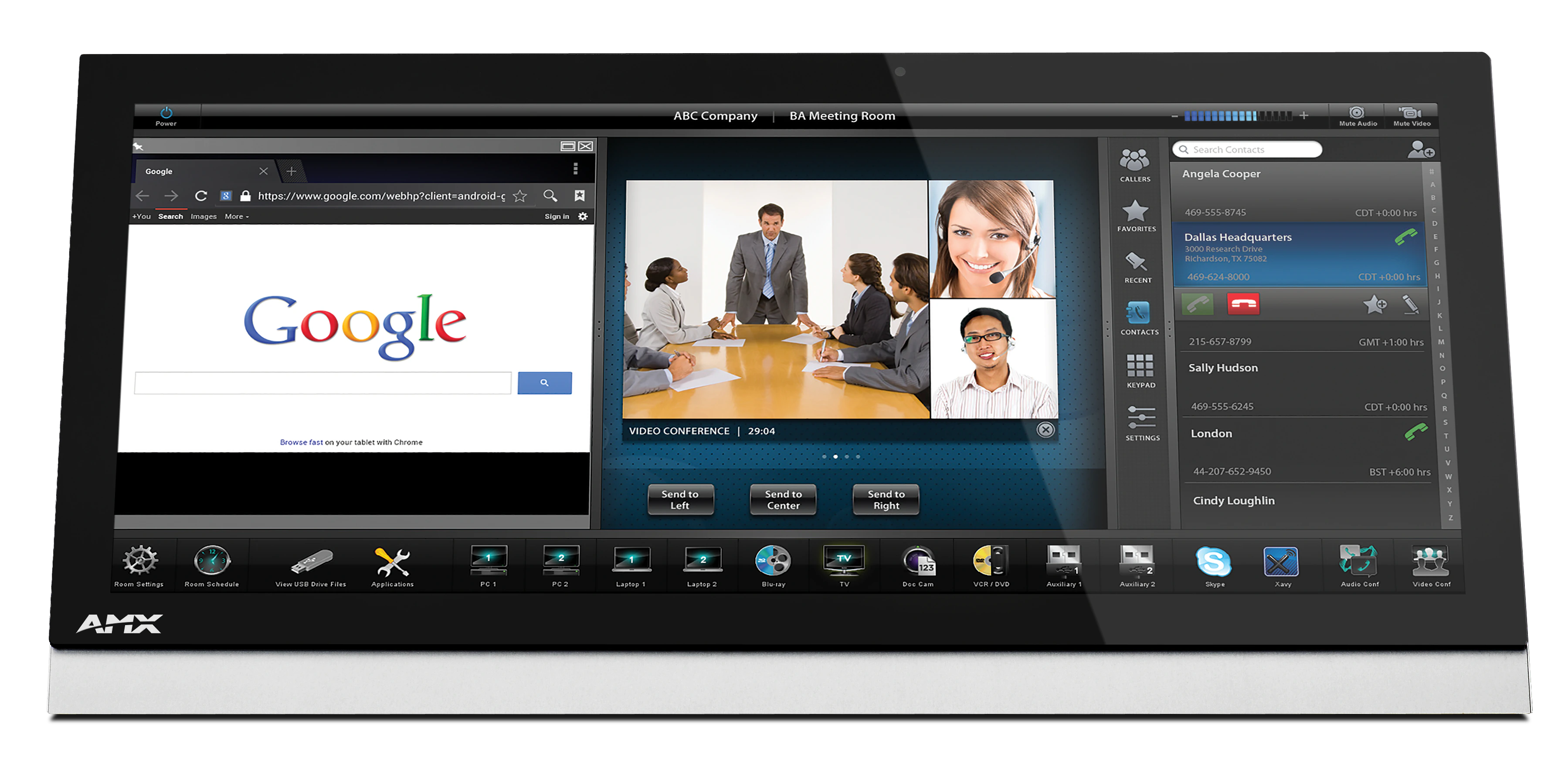
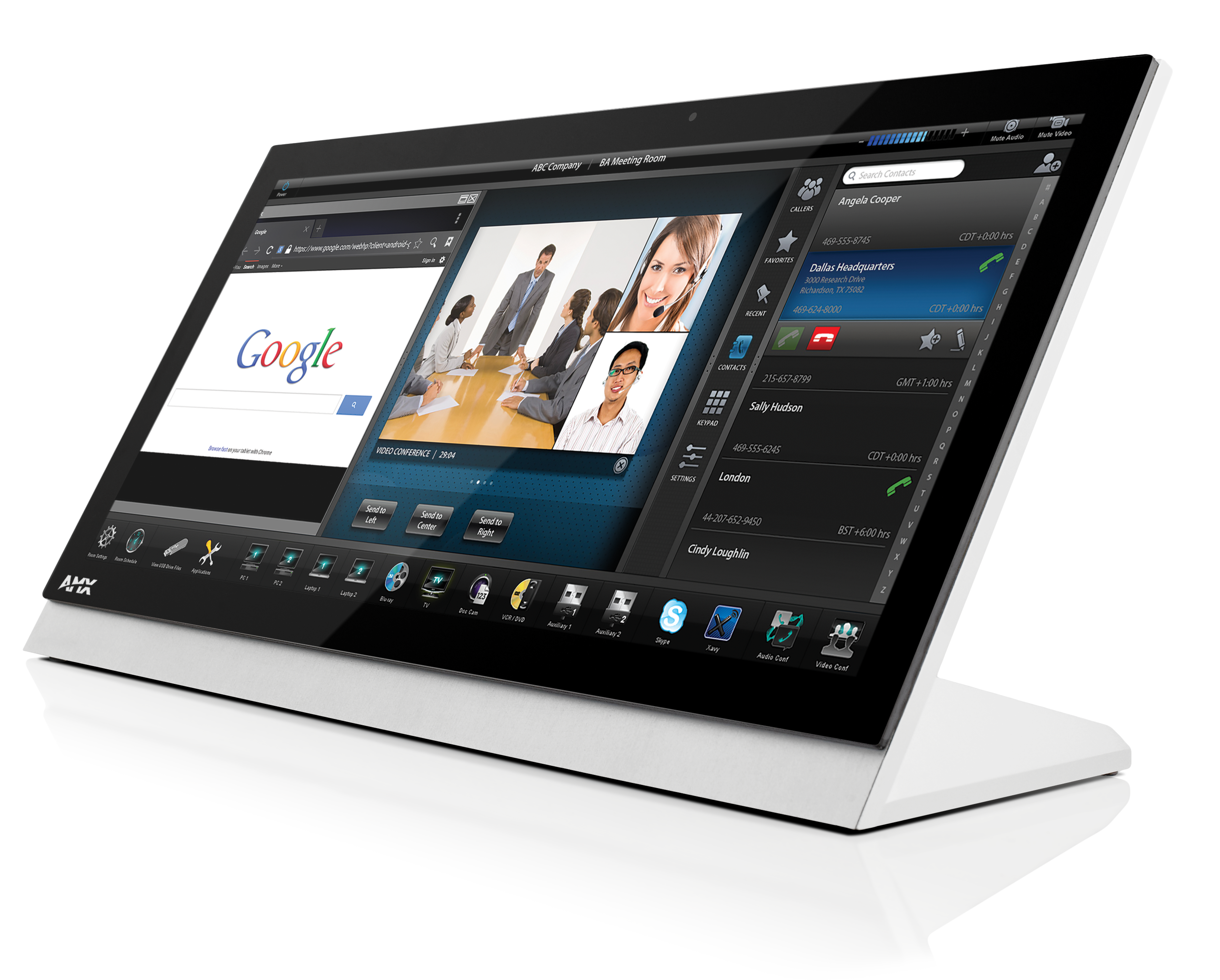
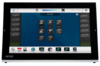
The redesigned Modero G5 20” Tabletop Touch Panel is a premium user interface that includes the G5 graphics engine and delivers superior performance. Designed specifically for dedicated room control, this elegantly-styled touch panel provides fast and smooth animations and transitions, along with a Quad-Core processor that provides more than enough processing power to run the most demanding applications today and in the future. Modero G5 also includes a built-in web browser and document viewers, enabling users to access real-time information during meetings or lectures.

Modero G5 provides several industry firsts including a beautiful, panoramic capacitive multi-touch screen that provides users access to multiple applications with minimal navigation. The distinctive, low-profile design is engineered to sit perfectly on a table without obstructing views, and comes with a variety of mounting options for added security and convenience.

  • WORKS WITH ZOOM ROOMS

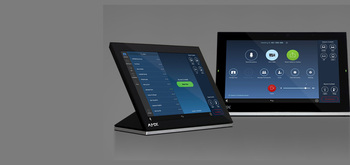
    Modero G5 control panels are the only panels that offer the ability to simultaneously run the Zoom Rooms Controller app alongside Modero G5 room control.

  • THE FACE OF INDUSTRY-LEADING SECURITY

    Facilities around the world place their trust in the industry-leading security of AMX control systems. Modero G5 panels allow users to securely control their devices and environment via a single, streamlined interface.

  • SINGLE POINT OF CONTROL

    A control panel integrates all the functionality you need into a single point of control. Manage meeting spaces, classrooms, briefing rooms, auditoriums and more with intuitive user selections that get complicated technology interactions out of the way.

  • SIMPLIFY STARTING THE MEETING

    Automation lets you combine all of the actions at the start of a meeting into a single button press. Simply press "ON" and the lights come on, the display powers up and switches to the correct input and your meeting is ready to begin.

  • QUICK ROOM SCHEDULING

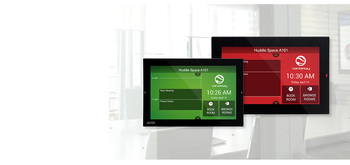
    Modero G5 wall-mount panels can be configured to run the Acendo Book interface, providing the option to deploy them as dedicated scheduling panels. These panels include capacitive touch glass, large side LEDs, and our popular Acendo Book functionality.

featured content

WORKS WITH ZOOM ROOMS

Modero G5 control panels are the only panels that offer the ability to simultaneously run the Zoom Rooms Controller app alongside Modero G5 room control.

featured content

THE FACE OF INDUSTRY-LEADING SECURITY

Facilities around the world place their trust in the industry-leading security of AMX control systems. Modero G5 panels allow users to securely control their devices and environment via a single, streamlined interface.

featured content

SINGLE POINT OF CONTROL

A control panel integrates all the functionality you need into a single point of control. Manage meeting spaces, classrooms, briefing rooms, auditoriums and more with intuitive user selections that get complicated technology interactions out of the way.

featured content

SIMPLIFY STARTING THE MEETING

Automation lets you combine all of the actions at the start of a meeting into a single button press. Simply press "ON" and the lights come on, the display powers up and switches to the correct input and your meeting is ready to begin.

featured content

QUICK ROOM SCHEDULING

Modero G5 wall-mount panels can be configured to run the Acendo Book interface, providing the option to deploy them as dedicated scheduling panels. These panels include capacitive touch glass, large side LEDs, and our popular Acendo Book functionality.

더 알아보기

  • Modero G5 is ideal for boardrooms, conference rooms or auditoriums where a premium control surface is needed to provide access to multiple functions simultaneously while remaining elegantly unobtrusive.
  • In Higher Education, Modero G5 is ideal for lecture halls, auditoriums, performing arts theaters and boardrooms that require extensive control capabilities.

다운로드

CAD Drawings
  크기 업로드 날짜
file type icon Pictorial Drawing - MT-2002 (PDF)
업데이트: 2019년 3월
83.1KB 2019년 3월
file type icon Pictorial Drawing - MT-2002 (DXF)
업데이트: 2019년 3월
14.2MB 2019년 3월
file type icon Pictorial Drawing - MT-2002 (DWG)
업데이트: 2019년 3월
2.15MB 2019년 3월
Software
  버전 크기 업로드 날짜
download icon for Zoom Rooms App Zoom Rooms App
버전 5.13.5, 출시: 2023년 3월
5.13.5  
Firmware
  버전 크기 업로드 날짜
download icon for Modero G5 (MD & MT) Touch Panel Firmware Modero G5 (MD & MT) Touch Panel Firmware
버전 1.8.55, 출시: 2022년 10월
1.8.55   276MB 2022년 10월
Quick Start Guides
  크기 업로드 날짜
file type icon Quick Start Guide Guide - MT-2002
업데이트: 2020년 10월
476KB 2020년 10월
Data Sheets
  크기 업로드 날짜
file type icon Data Sheet - MT-2002
업데이트: 2020년 10월
758KB 2020년 10월
Certifications
  크기 업로드 날짜
file type icon MT-2002 CE Declaration of Conformity
업데이트: 2020년 10월
613KB 2020년 10월
file type icon MT-2002 IECEE CB Test Certificate 62368
업데이트: 2020년 10월
165KB 2020년 10월
24KB 2020년 10월
Install Guides
  크기 업로드 날짜
file type icon Install Guide - Zoom Rooms and Modero G5
업데이트: 2021년 1월
167KB 2021년 1월

위의 링크 중 하나에서 브라우저에 이상한 문자가 표시되면, 파일을 마우스 오른쪽 버튼으로 클릭하여 컴퓨터에 저장하세요.

특징

  • G5 Graphics Engine and Quad-Core Processing – The most powerful processing in the industry delivers smooth gesturing, swiping, dynamic reordering, enhanced animation with transitions all at higher speeds for an experience any user will enjoy
  • Capacitive Touch Screen – A fast and flawless touch screen that enhances screen durability, smudge and scratch resistance
  • Simplified Enterprise Touch Panel and Firmware Updates – Deploy and update touch panel files and firmware files from a network URL for simplified company-wide updates
  • Built-in Web Browser, Document Viewers and Enzo Sharing – Conveniently simplifies accessing and presenting real-time content and documents during meetings. Simply preview files accessed via the native web browser, USB, or cloud storage apps before sending content directly to Enzo
  • Adjustable Security Modes – With the ability to select from high security or custom modes, administrators can customize the panel’s security levels for access, networking and communication
  • Perfect from Any Angle – Includes In-Plane Switching (IPS), which delivers the widest viewing angles and the most accurate color reproduction on the market
  • Enhanced User Experience – Modero features intuitive UI functionality including: gesturing, swiping, dynamic reordering and enhanced animation capabilities
  • View and Select Dynamic Data with Listview Buttons – Display a listing of entries generated by a dynamic data source (e.g. phonebook contacts, call logs, RSS feed or other real time data sources) enabling the user to scroll or search to make a selection

사양

Display Size (WH) Landscape 19.52” x 9.52” (496mm x 217mm), 21.29” (541 mm) diagonal
Viewable Area (WH) Landscape 18.7” x 7.8” (475 mm x 198 mm), 20.3” (514 mm) diagonal
Resolution 1920x800
Touch Overlay Capacitive
FG Numbers FG5969-35

뉴스

HARMAN Professional Solutions:

MT-2002
단종

20” Modero G5 Tabletop Touch Panel