Acendo Book Scheduling Panels
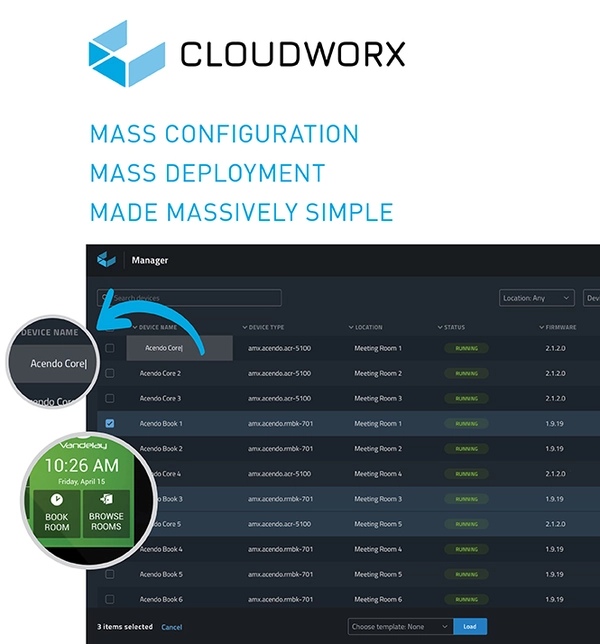
CLOUDWORX MANAGER, 이제 ACENDO CORE 및 ACENDO BOOK 디바이스에서 사용 가능
무료 소프트웨어로 대량 구성 및 배포를 대폭 간소화
CloudworX Manager는 이제 AMX Acendo Core 및 Acendo Book 디바이스에 탁월한 관리 기능을 제공합니다. 개별 구성 대신 CloudworX Manager를 사용하면 다수의 디바이스를 로컬 또는 원격으로 동시에 구성할 수 있습니다.
- 중앙 통합 관리 및 배포 대시보드
- 디바이스 상태별 확인 및 정렬
- 시설 전체 설치에 Exchange 자격 증명 업데이트
- 디바이스 그룹화 및 일괄 커미셔닝
- 모든 디바이스에 대한 즐겨찾기 설정 템플릿 생성
회의를 아름답게 만드십시오
설치가 쉽고, 사용이 쉽고, 보기에도 좋습니다.
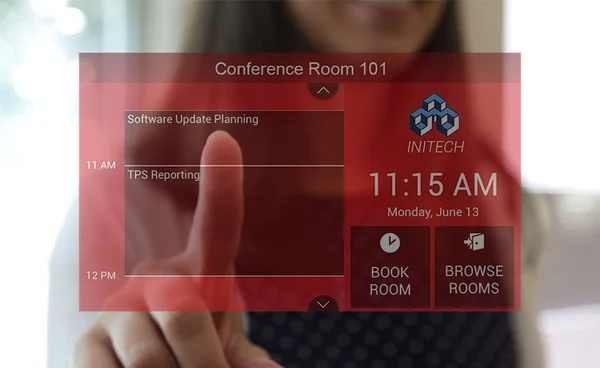
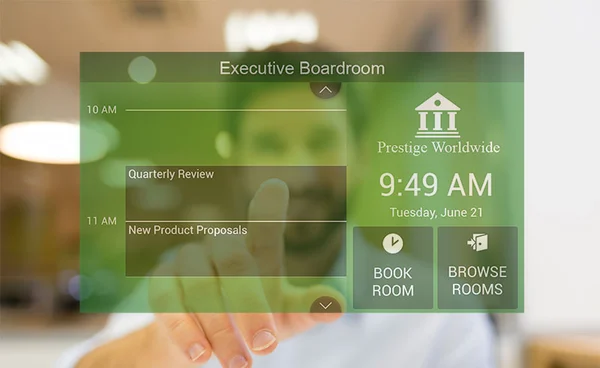
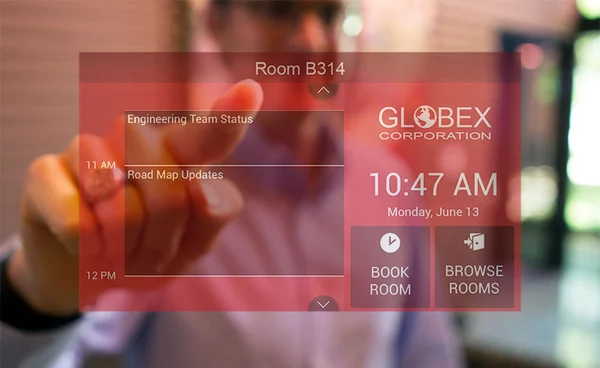
Acendo Book 스케줄링 패널은 회의실을 신속하고 간편하게 찾고 예약하는 데 필요한 모든 기능을 포함합니다.
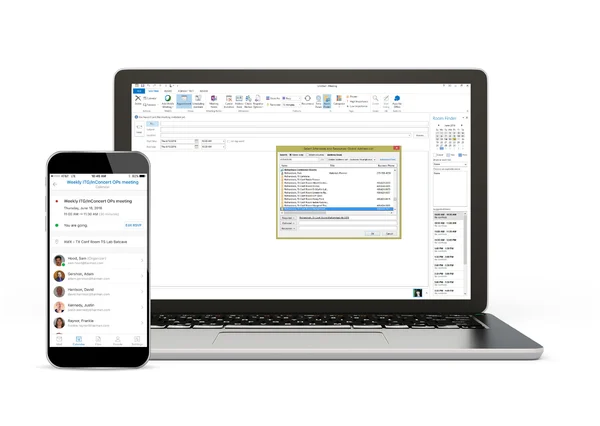
가장 널리 사용되는 플랫폼과의 원활한 통합
Acendo Book은 Microsoft Exchange, O365, Google Calendar를 포함한 가장 널리 사용되는 일정 관리 플랫폼과 통합 및 동기화됩니다. Book 패널은 Modern Authentication이 필요한 설치 환경에서 RMS에 직접 연결할 수 있습니다.
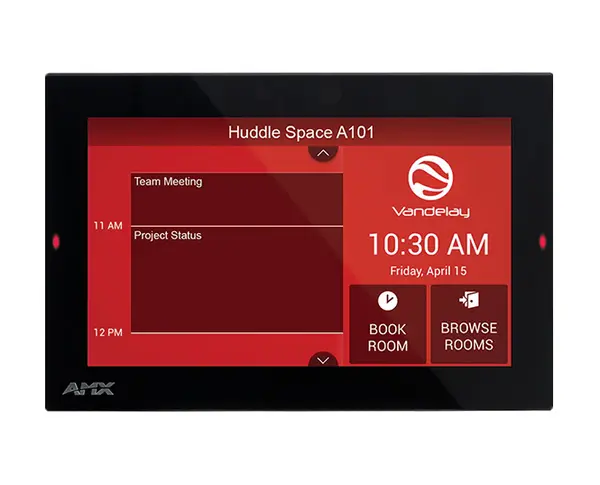
- 탁월한 산업 디자인 — 매우 얇은 프로파일로 다양한 위치에 설치 가능합니다
- 색상 코드 가용성 표시 — 인터페이스 및 측면 장착 LED
- 일정 스크롤 — 스케줄링 플랫폼과 동기화되어 예약 가능 시간을 쉽게 확인할 수 있습니다
- 근처 회의실 검색 — 다른 회의실을 빠르게 찾아 즉시 예약할 수 있습니다
- 회의실 예약 — 시간을 선택하면 모든 패널과 온라인 스케줄링 플랫폼에 예약 상태가 표시됩니다
- 정전식 터치 디스플레이 — 빠르고 완벽한 터치스크린으로 화면 내구성, 얼룩 및 스크래치 저항성을 향상시킵니다
- 구성 — CloudworX Manager를 통한 대량 배포. Exchange 서버 자격 증명 및 기타 설정을 모든 패널에 중앙에서 업데이트할 수 있습니다.
연락을 원하십니까?
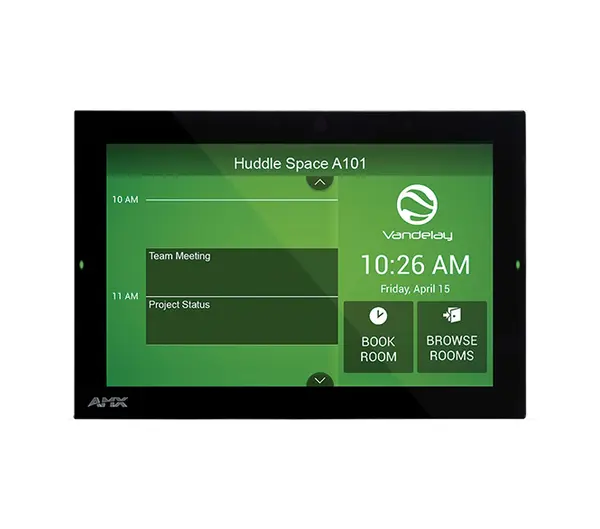
Acendo Book 제품