MD-1002
Tidak diproduksi

10.1” Modero G5 Wall Mount Touch Panel

Gambar Lebih Besar

Produk Pengganti

  • VARIA-100

    VARIA-100

    10.1” Professional-Grade, Persona-Defined Touch Panel
  • VARIA-100N

    VARIA-100N

    10.1" Panel Sentuh Berkualitas Profesional yang Didefinisikan Persona (Tanpa Komunikasi)

The redesigned Modero G5 10” Wall Mount Touch Panel is a premium user interface affordable enough to use in any space. Designed for dedicated room control or scheduling, this elegantly-styled touch panel provides fast and smooth animations and transitions, along with a Quad-Core processor that provides more than enough processing power to run the most demanding applications today and in the future. Modero G5 also includes a built-in web browser and document viewers, enabling users to access real-time information during meetings or lectures.

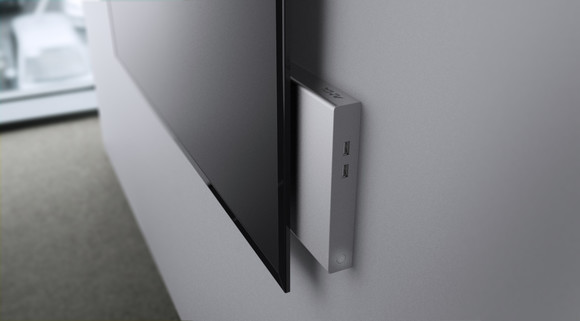
Modero G5 is built for usability, offering edge-to-edge capacitive touch glass with multi-touch capabilities. The distinctive appearance will complement even the most sophisticated meeting facilities and homes, with a variety of mounting options for added security and convenience.
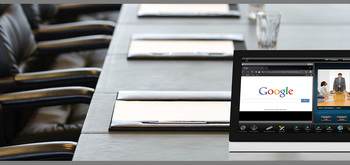
  • THE FACE OF INDUSTRY-LEADING SECURITY

    Facilities around the world place their trust in the industry-leading security of AMX control systems. Modero G5 panels allow users to securely control their devices and environment via a single, streamlined interface.

  • SINGLE POINT OF CONTROL

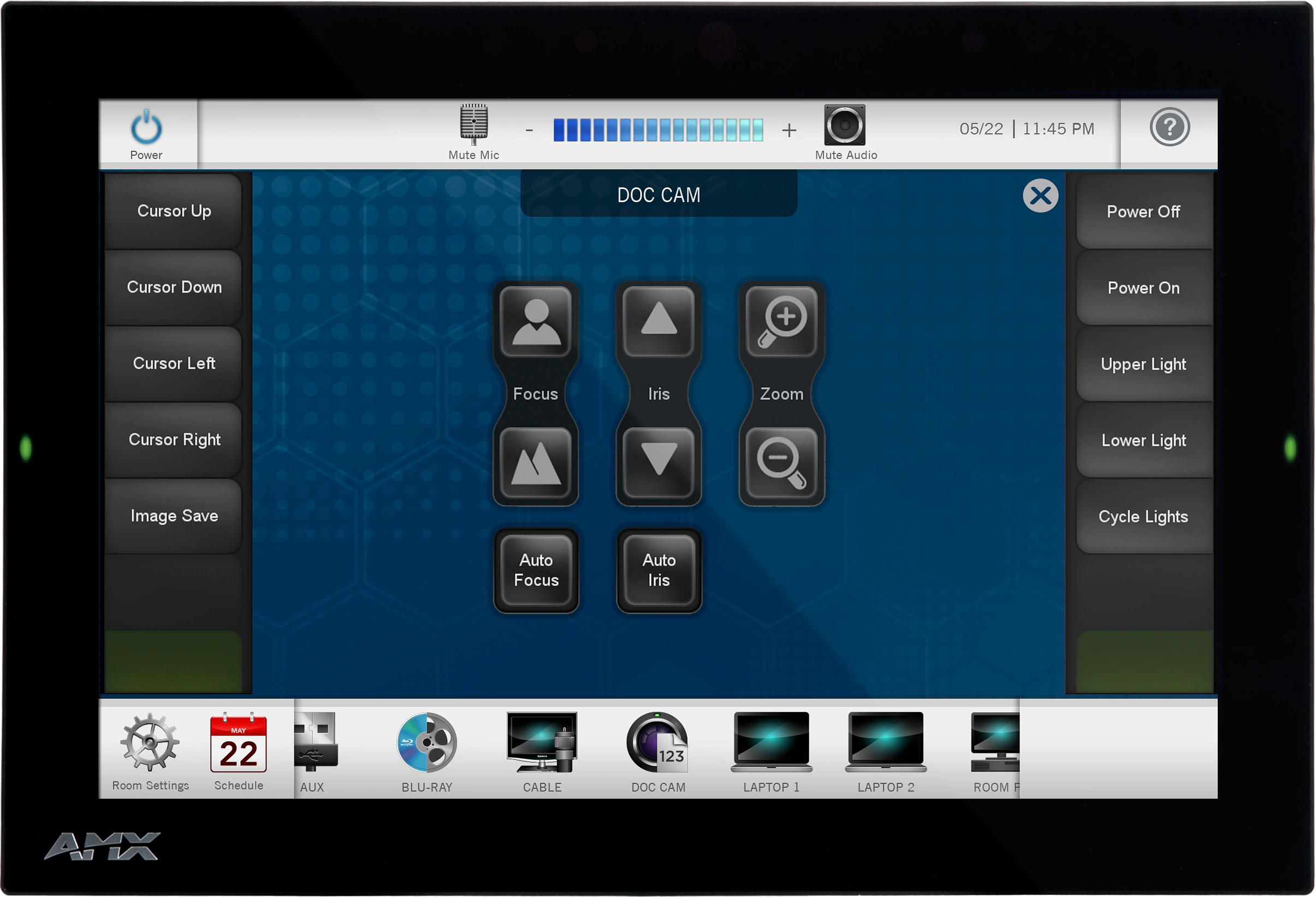
    A control panel integrates all the functionality you need into a single point of control. Manage meeting spaces, classrooms, briefing rooms, auditoriums and more with intuitive user selections that get complicated technology interactions out of the way.

  • SIMPLIFY STARTING THE MEETING

    Automation lets you combine all of the actions at the start of a meeting into a single button press. Simply press "ON" and the lights come on, the display powers up and switches to the correct input and your meeting is ready to begin.
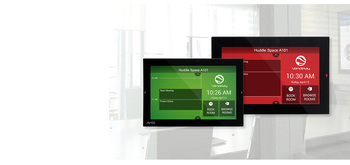
  • QUICK ROOM SCHEDULING

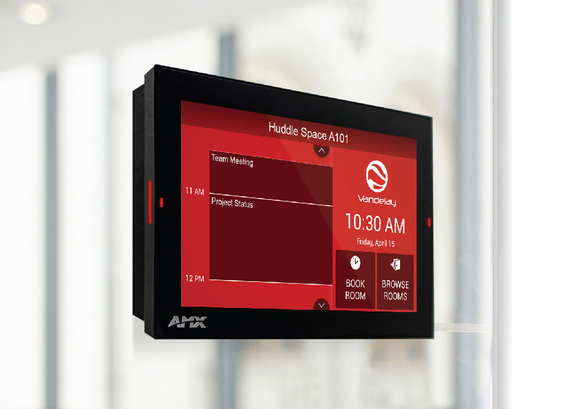
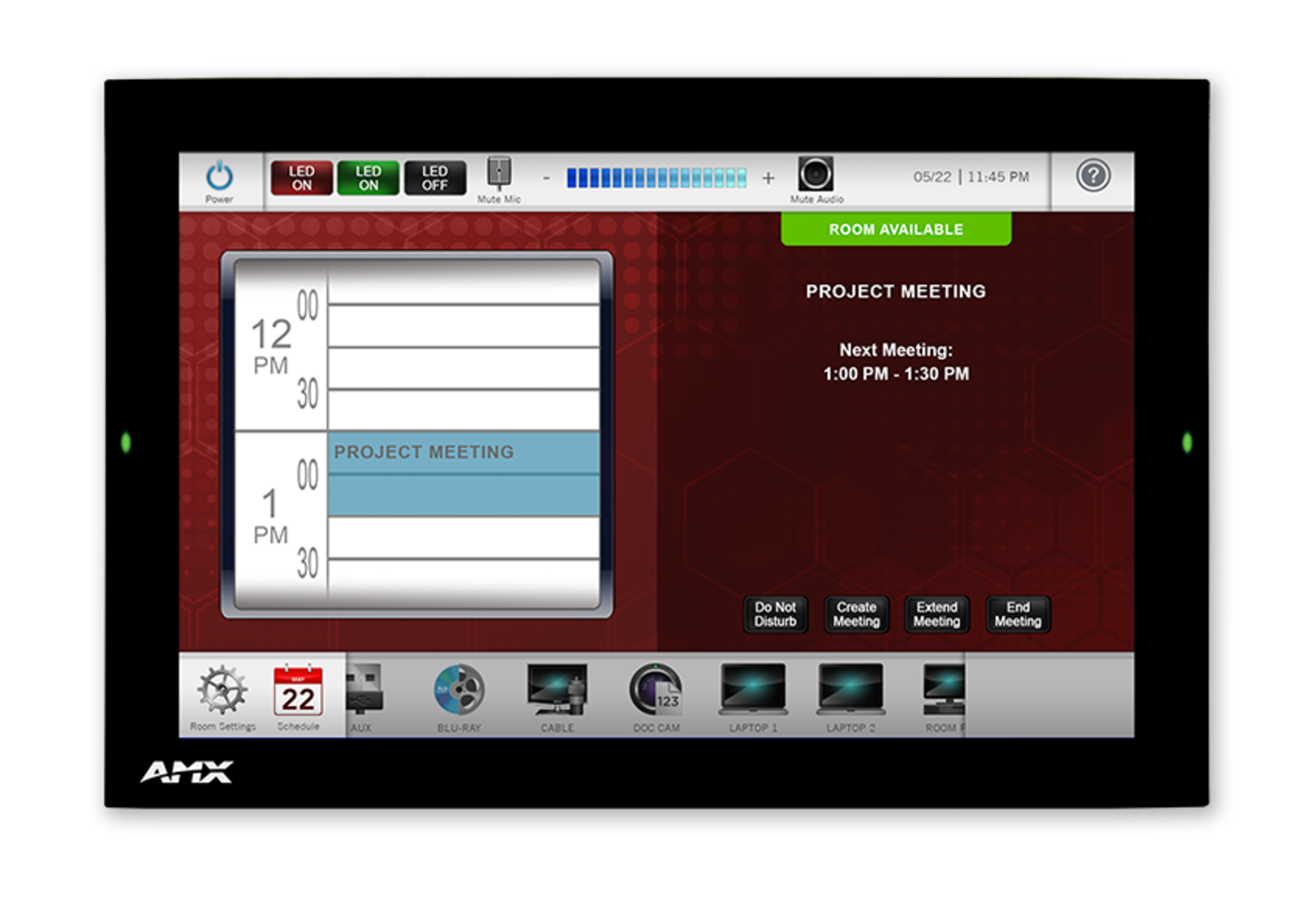
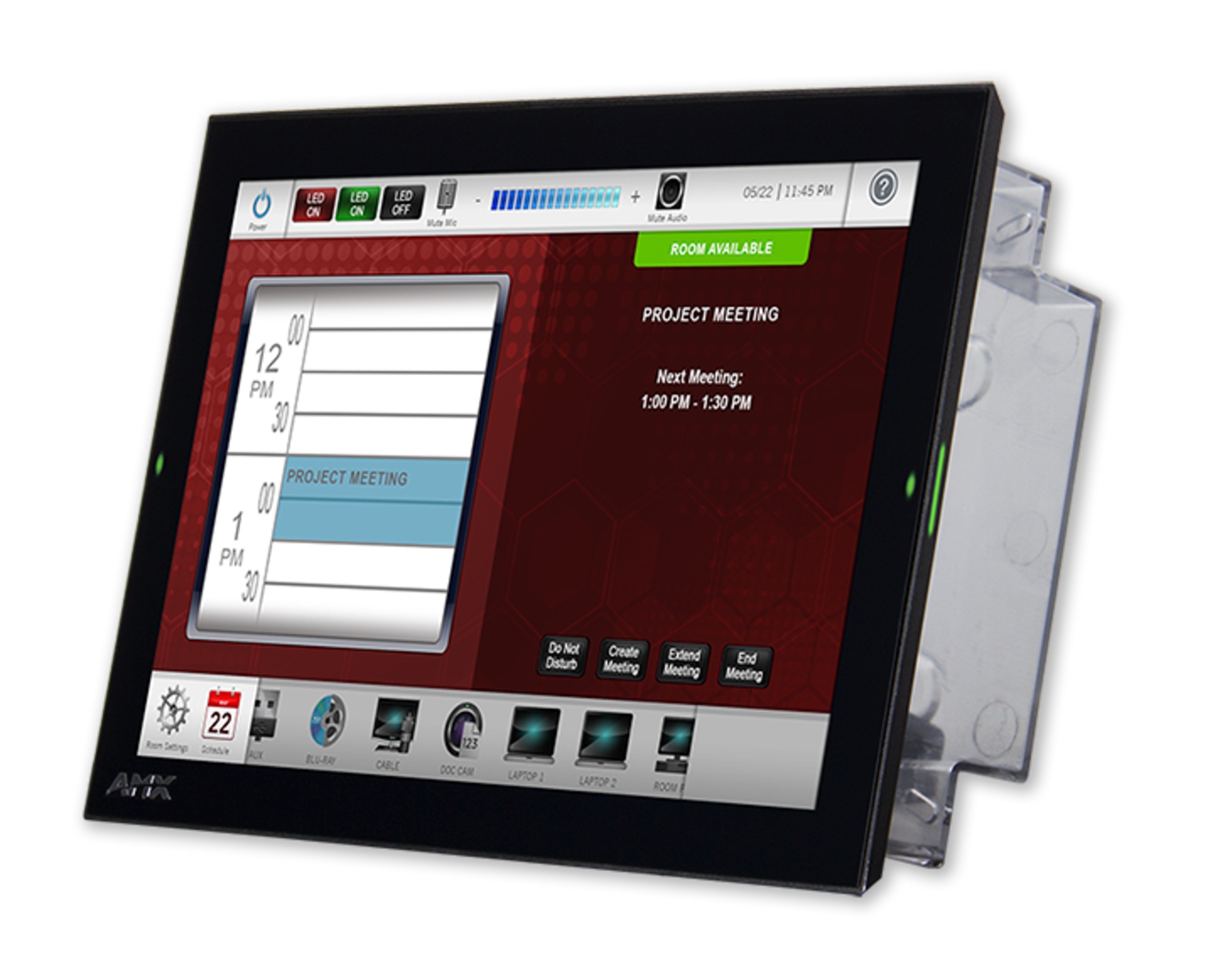
    Modero G5 wall-mount panels can be configured to run the Acendo Book interface, providing the option to deploy them as dedicated scheduling panels. These panels include capacitive touch glass, large side LEDs, and our popular Acendo Book functionality.

featured content

THE FACE OF INDUSTRY-LEADING SECURITY

Facilities around the world place their trust in the industry-leading security of AMX control systems. Modero G5 panels allow users to securely control their devices and environment via a single, streamlined interface.

featured content

SINGLE POINT OF CONTROL

A control panel integrates all the functionality you need into a single point of control. Manage meeting spaces, classrooms, briefing rooms, auditoriums and more with intuitive user selections that get complicated technology interactions out of the way.

featured content

SIMPLIFY STARTING THE MEETING

Automation lets you combine all of the actions at the start of a meeting into a single button press. Simply press "ON" and the lights come on, the display powers up and switches to the correct input and your meeting is ready to begin.

featured content

QUICK ROOM SCHEDULING

Modero G5 wall-mount panels can be configured to run the Acendo Book interface, providing the option to deploy them as dedicated scheduling panels. These panels include capacitive touch glass, large side LEDs, and our popular Acendo Book functionality.
Keterangan Lebih Lanjut

  • Modero G5 is ideal for boardrooms, conference rooms or auditoriums where a premium control surface is needed to provide access to multiple functions simultaneously while remaining elegantly unobtrusive.
  • In Higher Education, Modero G5 is ideal for lecture halls, auditoriums, performing arts theaters and boardrooms that require extensive control capabilities.
  • In residences, it is perfect for kitchens, bedrooms or home offices where it can be used to manage systems throughout the home.
  • The MD-1002 can be used as a scheduling panel for meeting rooms and auditoriums.
  • All Modero panels are ideal for reception areas or other gathering places where master calendars can be displayed along with streamed information from the web like weather and stock quotes.

Unduhan

CAD Drawings
  Ukuran Diunggah
file type icon MD-1002 - Pictorial Drawing (PDF)
diperbarui: Sep 2019
175 KB Sep 2019
file type icon Pictorial Drawing - MD-1002 (DXF)
diperbarui: Mar 2019
4,84 MB Mar 2019
file type icon Pictorial Drawing - MD-1002 (DWG)
diperbarui: Mar 2019
940 KB Mar 2019
BIM Objects
  Ukuran Diunggah
file type icon MD-1002 - BIM Object
diperbarui: Agu 2019
Agu 2019
Firmware
  Versi Ukuran Diunggah
download icon for Modero G5 (MD & MT) Touch Panel Firmware Modero G5 (MD & MT) Touch Panel Firmware
versi 1.8.55, dirilis: Okt 2022
1.8.55   276 MB Okt 2022
Quick Start Guides
  Ukuran Diunggah
file type icon MD-1002 - Quick Start Guide
diperbarui: Sep 2019
773 KB Sep 2019
Data Sheets
  Versi Ukuran Diunggah
file type icon MD-1002 - Data Sheet
versi 10/25/19, diperbarui: Okt 2019
10/25/19  738 KB Okt 2019
Certifications
  Ukuran Diunggah
175 KB Okt 2020
613 KB Okt 2020
24 KB Okt 2020

Jika ada tautan di atas yang menampilkan karakter aneh di browser Anda, klik kanan file tersebut untuk menyimpannya ke komputer Anda.

Fitur

  • Fleksibel – Ubah antarmuka kontrol Modero G5 menjadi panel penjadwalan Acendo Book menggunakan alat konfigurasi bawaan – tidak diperlukan pemrograman atau perangkat keras tambahan
  • Mesin Grafis G5 dan Pemrosesan Quad-Core – Pemrosesan paling canggih di industri memberikan gestur halus, sapuan, pengurutan ulang dinamis, animasi yang ditingkatkan dengan transisi semuanya pada kecepatan lebih tinggi untuk pengalaman yang akan dinikmati setiap pengguna
  • Layar Sentuh Kapasitif – Layar sentuh yang cepat dan sempurna yang meningkatkan daya tahan layar, ketahanan noda dan goresan
  • Pembaruan Panel Sentuh Enterprise dan Firmware yang Disederhanakan – Sebarkan dan perbarui file panel sentuh dan file firmware dari URL jaringan untuk pembaruan di seluruh perusahaan yang disederhanakan
  • Peramban Web Bawaan, Penampil Dokumen, dan Berbagi Enzo – Menyederhanakan akses dan presentasi konten dan dokumen real-time selama rapat dengan mudah. Cukup pratinjau file yang diakses melalui peramban web asli, USB, atau aplikasi penyimpanan cloud sebelum mengirim konten langsung ke Enzo
  • Mode Keamanan yang Dapat Disesuaikan – Dengan kemampuan untuk memilih dari mode keamanan tinggi atau mode khusus, administrator dapat menyesuaikan tingkat keamanan panel untuk akses, jaringan, dan komunikasi
  • Sempurna dari Sudut Manapun – Mencakup In-Plane Switching (IPS), yang memberikan sudut pandang terluas dan reproduksi warna paling akurat di pasar
  • Pengalaman Pengguna yang Ditingkatkan – Modero menampilkan fungsionalitas UI intuitif termasuk: gestur, sapuan, pengurutan ulang dinamis, dan kemampuan animasi yang ditingkatkan
  • Opsi Pemasangan yang Luas –Pilih dari berbagai opsi pemasangan untuk memenuhi kebutuhan instalasi apa pun
  • Lihat dan Pilih Data Dinamis dengan Tombol Listview – Tampilkan daftar entri yang dihasilkan oleh sumber data dinamis (misalnya kontak buku telepon, log panggilan, umpan RSS atau sumber data real-time lainnya) yang memungkinkan pengguna untuk menggulir atau mencari untuk membuat pilihan

Spesifikasi

Display Size (WH) Landscape 9.1" x 5.9" (230 mm x 149 mm), 10.8" (274 mm) diagonal
Viewable Area (WH) Landscape 8.5" x 5.4" (217 mm x 136 mm ), 10.0" (256 mm) diagonal
Resolution 1280x800
Touch Overlay Capacitive
FG Numbers FG5969-49BL

Berita

HARMAN Professional Solutions:

MD-1002
Tidak diproduksi

10.1” Modero G5 Wall Mount Touch Panel


JITC