Manager

Perangkat Lunak Manajemen untuk perangkat HARMAN Pro dengan HControl

Manager_Logo_Black
Gambar Lebih Besar

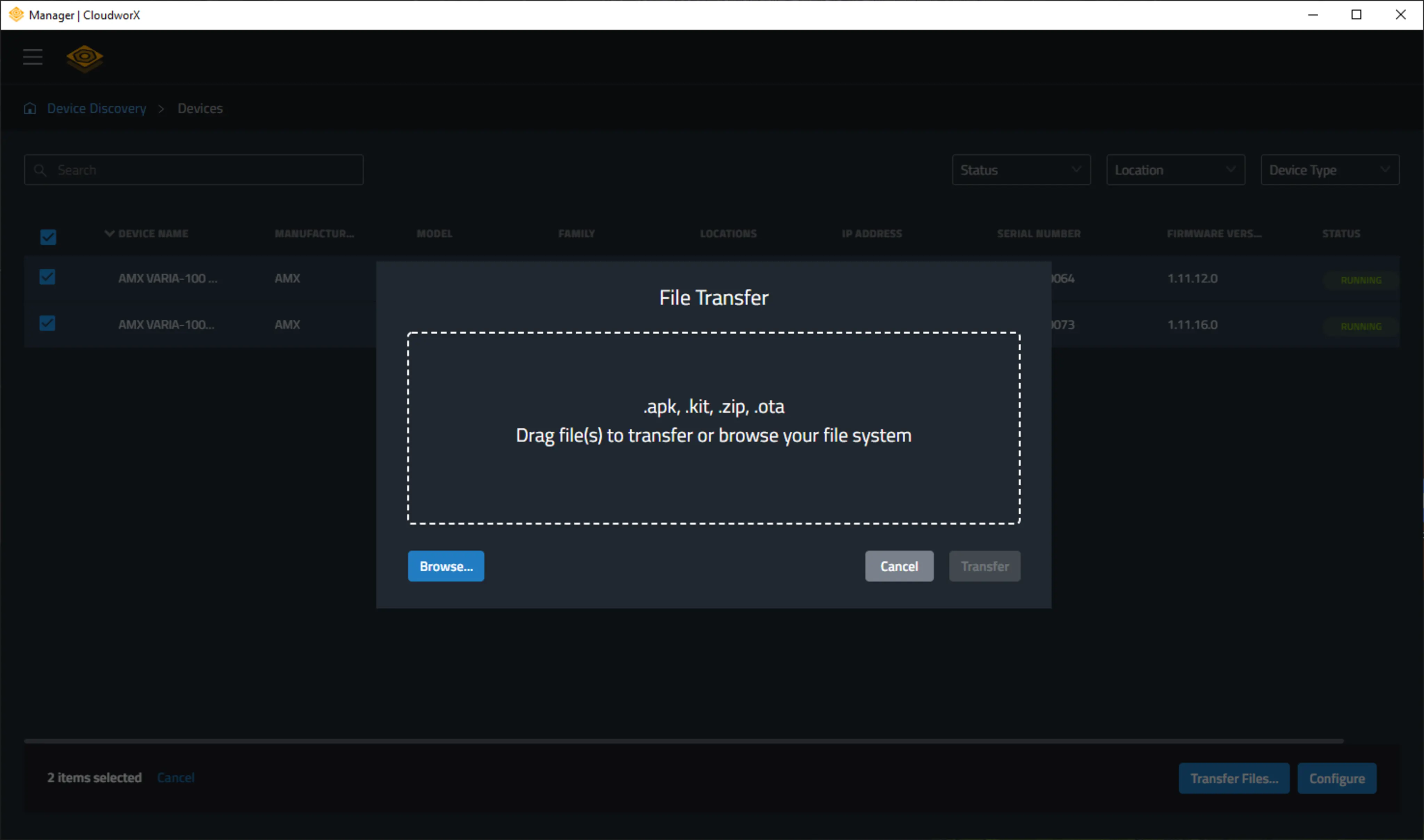
Manager adalah aplikasi gratis yang memberikan manajemen yang sangat powerful untuk perangkat HARMAN Professional dengan HControl. Daripada mengonfigurasi perangkat satu per satu, Manager memungkinkan sejumlah besar perangkat dikonfigurasi secara bersamaan, baik secara lokal maupun jarak jauh.

  • MASS CONFIGURATION.

    MASS DEPLOYMENT.

    MADE MASSIVELY SIMPLE.

  • Device Auto-Discovery

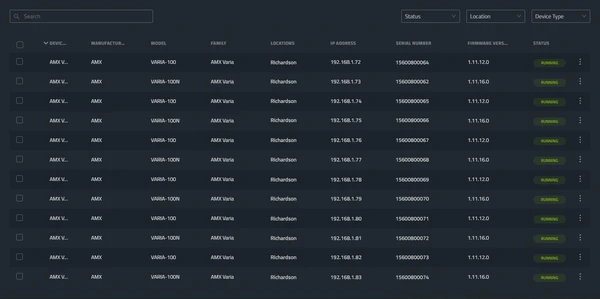
    Compatible HARMAN devices on the network are automatically discovered and added to Manager for at-a-glance status monitoring and access to configuration.

  • Settings Configuration

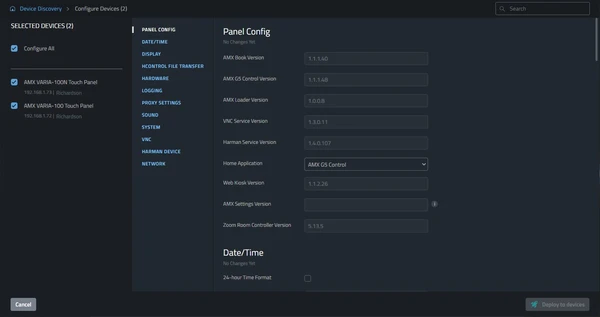
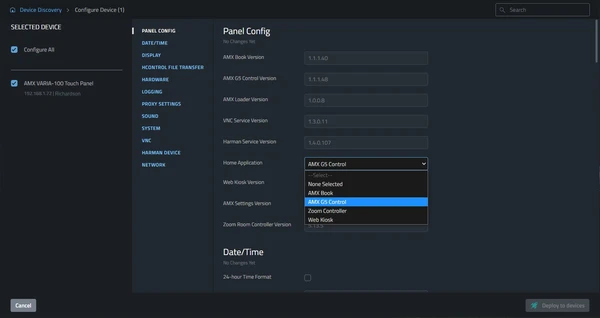
    Individual devices, entire installations, or any size device group can be configured simultaneously. Cutting deployment time and reducing opportunities for error.

  • Firmware Updates

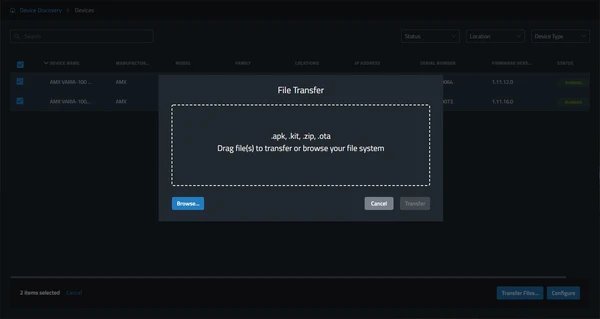
    Deploy firmware updates to all or any devices without the need for device specific software.

MASS CONFIGURATION.

MASS DEPLOYMENT.

MADE MASSIVELY SIMPLE.

Device Auto-Discovery

Compatible HARMAN devices on the network are automatically discovered and added to Manager for at-a-glance status monitoring and access to configuration.

Settings Configuration

Individual devices, entire installations, or any size device group can be configured simultaneously. Cutting deployment time and reducing opportunities for error.

Firmware Updates

Deploy firmware updates to all or any devices without the need for device specific software.

Unduhan

Manuals
  Versi Bahasa Ukuran Diunggah
file type icon User Guide - Manager
en versi 1.1, diperbarui: Jul 2023
1.1  en  584 KB Jul 2023
Software
  Versi Ukuran Diunggah
download icon for Manager Desktop Manager Desktop
versi 1.03.0.205, dirilis: Agu 2024
1.03.0.205   240 MB Agu 2024

Jika ada tautan di atas yang menampilkan karakter aneh di browser Anda, klik kanan file tersebut untuk menyimpannya ke komputer Anda.

Fitur

  • Penemuan Perangkat Otomatis – Perangkat HARMAN yang kompatibel secara otomatis ditemukan di jaringan
  • Konfigurasi Pengaturan – Konfigurasikan pengaturan perangkat untuk sejumlah perangkat secara bersamaan
  • Pembaruan Firmware – Terapkan pembaruan firmware ke semua atau perangkat apa pun di jaringan
  • Transfer File – Transfer file ke perangkat

Spesifikasi

Supported Devices

AMX VARIA Touch Panels
AMX CE Series Control Extenders
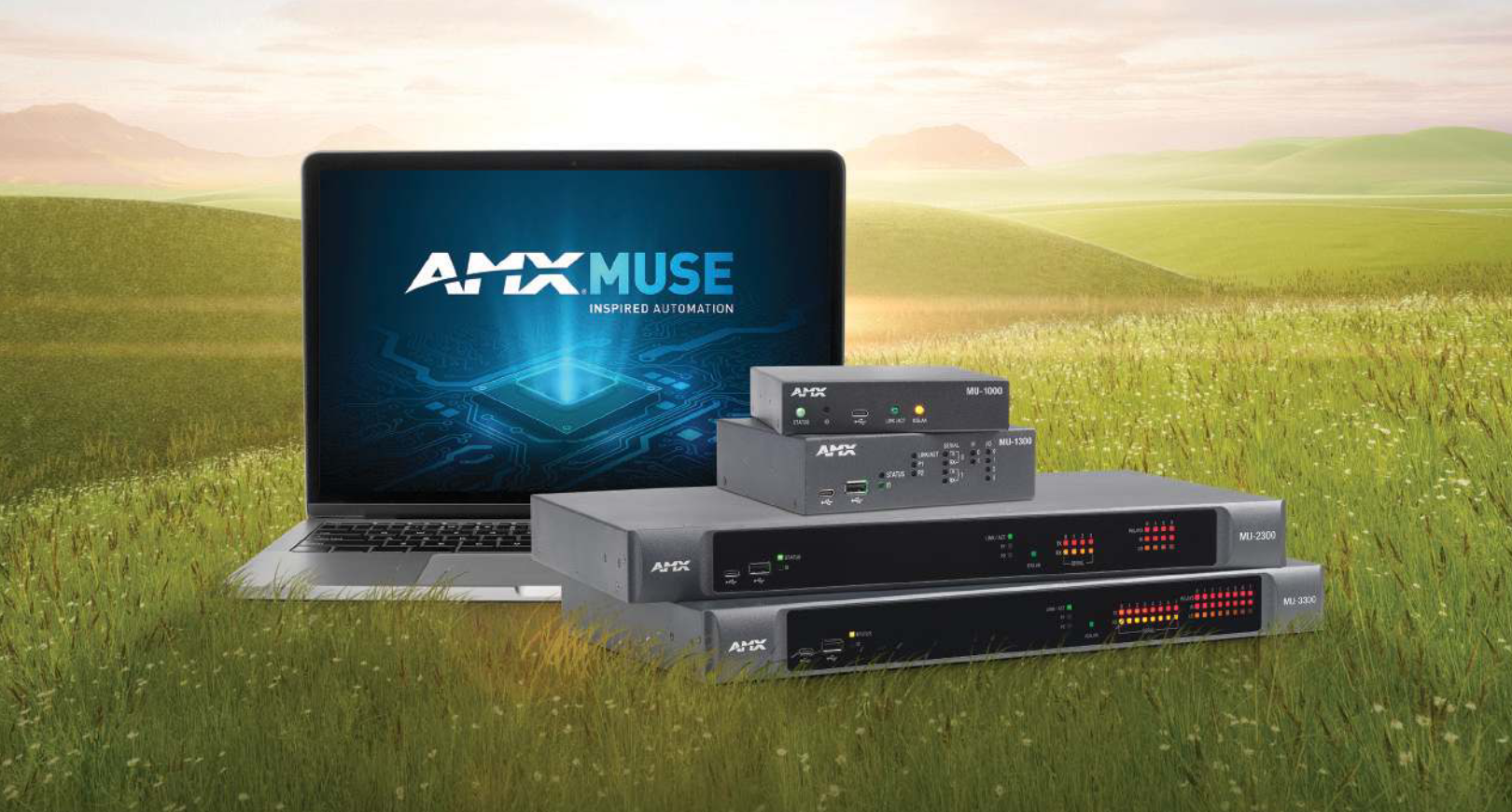
AMX MU Series Automation Controllers
AMX SVSI N2600 Series Encoders and Decoders
AMX SVSI N3300 Series Encoders and Decoders

HARMAN Pro Insights

Full-Throttle Enterprise AV Control: Exploring the AMX Varia G5 Control Persona feature

Full-Throttle Enterprise AV Control: Exploring the AMX Varia G5 Control Persona

Selecting the right user interface for enterprise AV control is essential for delivering successful projects and an exceptional user experience. In this series, we explore AMX Varia touch panel personas—pre-loaded apps that define the complete panel experience. Previously, we spotlighted the Book Scheduling and Web

CONTINUE READING

AMX Varia Web Kiosk: Pro-Grade, Supercharged Simplicity feature

AMX Varia Web Kiosk: Pro-Grade, Supercharged Simplicity

AMX designed its Varia Touch Panels to become whatever you need them to be. Simply choose from one of several popular “personas”, such as a room scheduler, a web kiosk, or a traditional AMX G5 control panel, and that’s what your panels become. As quickly

CONTINUE READING

AMX MUSE: Empowering AV Developers with a Playground of Possibilities feature

AMX MUSE: Empowering AV Developers with a Playground of Possibilities

The MUSE automation platform from AMX is a uniquely different and powerfully flexible approach to designing AV control systems. By embracing standard tools and technologies, MUSE supports a variety of skill sets, expanding access to a wider group of developers. To better understand what’s possible

CONTINUE READING

HARMAN Professional Solutions: