



MXT-1001
단종

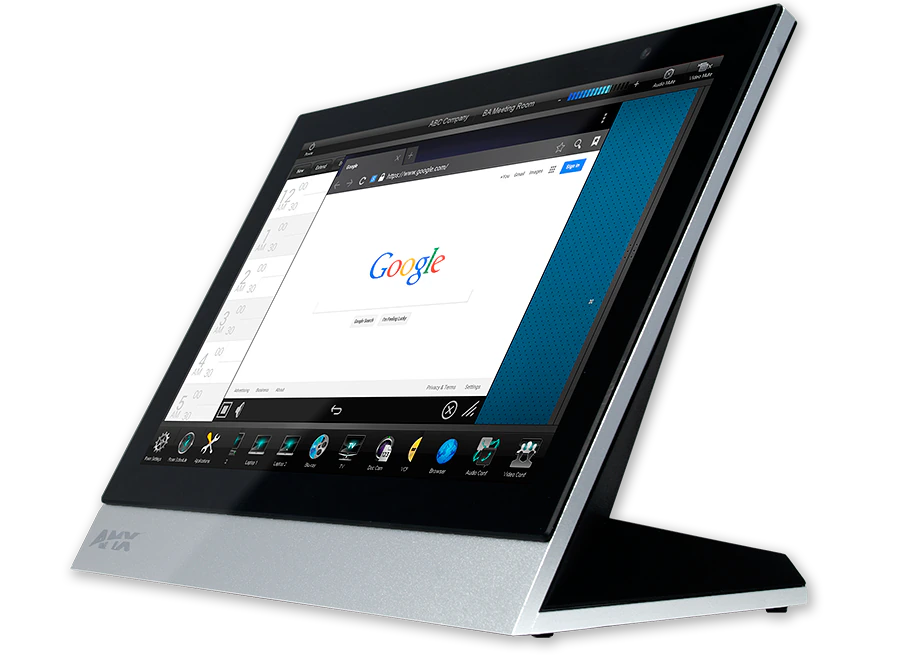
10.1" Modero X® Series G5 Tabletop Touch Panel

MXT-1001_Front-Left-Angle
큰 이미지

대체 제품

  • MSA-STMK-10

    MSA-STMK-10

    Secure Table Mount Kit for 10.1" Modero Series Tabletop Touch Panel
  • MXA-MPL

    MXA-MPL

    Modero X® 및 Modero S 시리즈 멀티 프리뷰 라이브
  • PS-POE-AF-TC

    PS-POE-AF-TC

    PoE 인젝터, 802.3AF 준수
  • HPG-10

    HPG-10

    3/4" Mini-Grommet
  • MXA-CLK

    MXA-CLK

    Modero X® 및 Modero S Series 화면 청소 키트
  • MXA-USB-C

    MXA-USB-C

    USB Port Covers for the Modero X® and Modero S Series Touch Panels

The MXT-1001 / 10.1" Modero X® Series G5 Tabletop Touch Panel is a premium user interface that includes the G5 graphics engine and delivers superior performance. Designed specifically for dedicated room control, this elegantly-styled touch panel provides fast and smooth animations and transitions, along with a quad-core processor that provides more than enough processing power to run the most demanding applications today and in the future. The MXT-1001 also includes a built-in web browser and document viewers, enabling users to access real-time information during meetings or lectures.

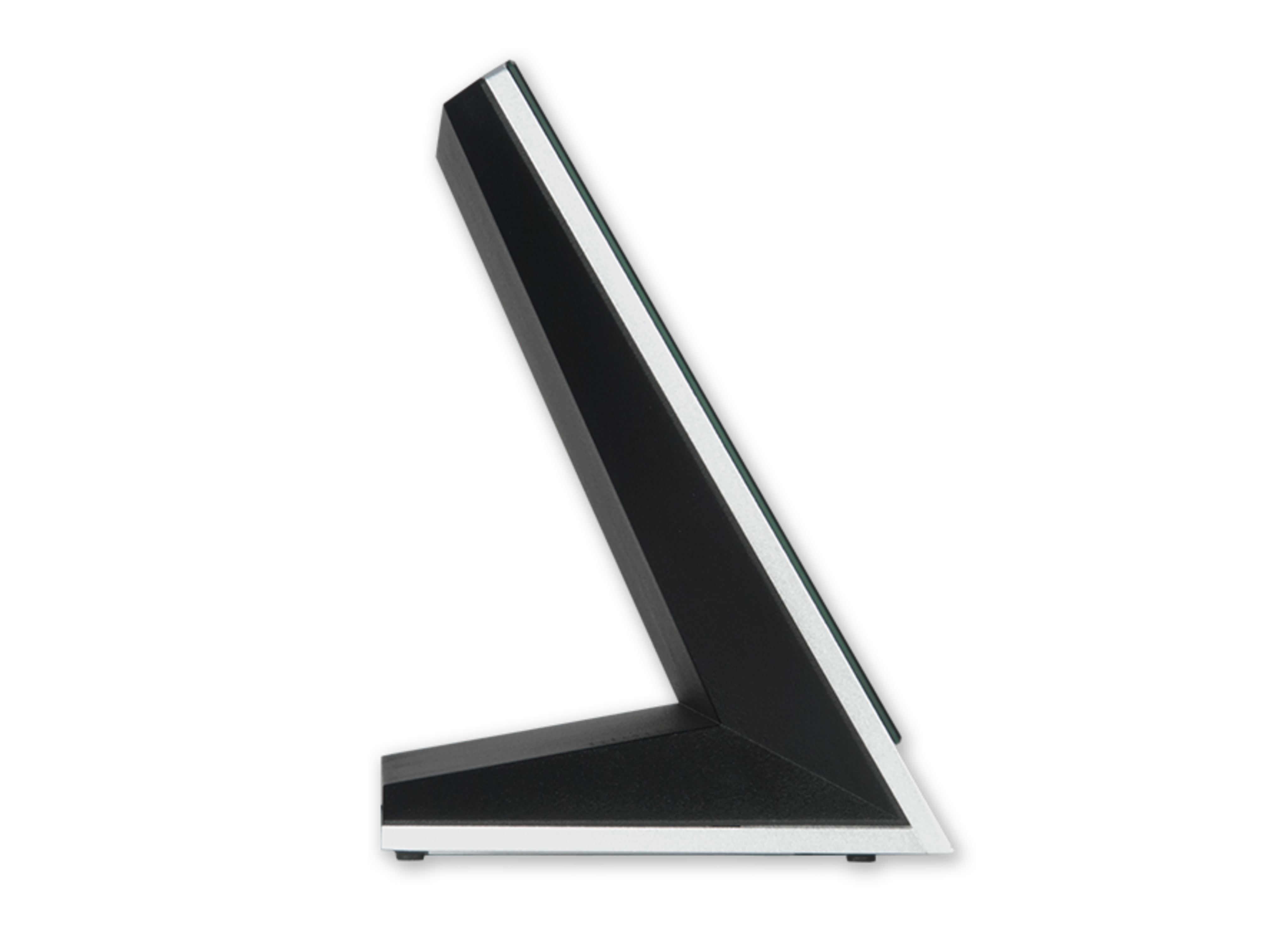
The MXT-1001 is built for usability, offering edge-to-edge capacitive touch glass with multi-touch capabilities. The distinctive, low-profile design is engineered to sit perfectly on a table without obstructing views, and comes with a variety of mounting options for added security and convenience.

더 알아보기

  • The MXT-1001 is ideal for boardrooms, conference rooms or auditoriums where a premium control surface is needed to provide access to multiple functions simultaneously while remaining elegantly unobtrusive.
  • In Higher Education, the MXT-1001 is ideal for lecture halls, auditoriums, performing arts theaters and boardrooms that require extensive control capabilities.
  • In residences, it is perfect for main living areas such as kitchens, living rooms, home theaters or home offices where the control surface can be used to manage systems throughout the home.

다운로드

문서
  크기 업로드 날짜
file type icon Comparison Chart
업데이트: 2026년 4월
173KB 2026년 4월
CAD Drawings
  크기 업로드 날짜
41.9KB 2020년 10월
1.46MB 2020년 10월
460KB 2020년 10월
Software
  버전 크기 업로드 날짜
download icon for TPDesign5 TPDesign5
버전 1.5.111, 출시: 2018년 10월
1.5.111   46.1MB 2018년 10월
download icon for G5 Support Files G5 Support Files
버전 1.5.69, 출시: 2023년 6월
1.5.69   2.47MB 2023년 6월
Firmware
  버전 크기 업로드 날짜
download icon for Modero G5 (MD & MT) Touch Panel Firmware Modero G5 (MD & MT) Touch Panel Firmware
버전 1.8.55, 출시: 2022년 10월
1.8.55   276MB 2022년 10월
Data Sheets
  크기 업로드 날짜
file type icon Data Sheet - MXT-1001
업데이트: 2020년 10월
636KB 2020년 10월
Quick Start Guides
  크기 업로드 날짜
196KB 2020년 10월
A&E (Architectural & Engineering) Specifications
  크기 업로드 날짜
104KB 2018년 6월
Whitepapers
  크기 업로드 날짜
1.22MB 2018년 4월
Safety Sheets
  크기 업로드 날짜
102KB 2020년 10월
Touch Panel Files
  크기 업로드 날짜
2.36MB 2018년 7월
2.55MB 2018년 7월
5.31MB 2018년 7월
6.77MB 2018년 7월
66.2MB 2018년 7월
5.95MB 2018년 7월
2.86MB 2018년 7월

위의 링크 중 하나에서 브라우저에 이상한 문자가 표시되면, 파일을 마우스 오른쪽 버튼으로 클릭하여 컴퓨터에 저장하세요.

특징

  • G5 Graphics Engine and Quad Core Processing – The most powerful processing in the industry delivers smooth gesturing, swiping, dynamic reordering, enhanced animation with transitions all at higher speeds for an experience any user will enjoy
  • Simplified Enterprise Touch Panel and Firmware Updates – Deploy and update touch panel files and firmware files from a network URL for simplified company-wide updates
  • Built-in Web Browser, Document Viewers and Enzo Sharing – Conveniently simplifies accessing and presenting real-time content and documents during meetings. Simply preview files accessed via the native web browser, USB, or cloud storage apps before sending content directly to Enzo. An upcoming firmware release will allow apps to be updated or disabled using the onboard G5 App Update Manager.
  • Adjustable Security Modes – With the ability to select from high security or custom modes, administrators can customize the panel’s security levels for access, networking and communication.
  • Perfect From Any Angle – Includes In-Plane Switching (IPS), which delivers the widest viewing angles and the most accurate color reproduction on the market
  • Enhanced User Experience – The Modero X Series features intuitive UI functionality including: gesturing, swiping, dynamic reordering and enhanced animation capabilities
  • View and Select Dynamic Data with Listview Buttons – Display a listing of entries generated by a dynamic data source (e.g. phonebook contacts, call logs, RSS feed or other real time data sources) enabling the user to scroll or search to make a selection. Demos are available in the UI Resource Center

*Product Update Notice: Near Field Communication™ (NFC) and High Frequency RFID (HF RFID) will no longer be included product features for all AMX Modero X® Series Touch Panels, shipping on or after October 1, 2017.

사양

Display Size (WH) 9.9" x 6.7" (252 mm x 170 mm), 12.0" (304 mm) diagonal
Viewable Area (WH) 8.5" x 5.3" (217mm x 136mm), 10.1" (257mm) diagonal
Resolution 1280x800
Viewing Angle Vertical: ± 89°, Horizontal: ± 89°
Aspect Ratio 16:9
Touch Overlay Projected capacitive, multi-touch support, 3 simultaneous max
Graphics Engine AMX G5
Front Panel Components Light Sensor, Proximity Detector, Camera, LED Indicators, Sleep button. See Data Sheet for details.
Power Consumption Full-On: 12.95 W maximum
Temperature Range Operating: 32° F to 104° F (0° C to 40° C)
Networking Support for static/dynamic IPv4 and static IPv6
FG Numbers FG5968-47
HARMAN Professional Solutions:

MXT-1001
단종

10.1" Modero X® Series G5 Tabletop Touch Panel