


MXT-1001
Arrêté

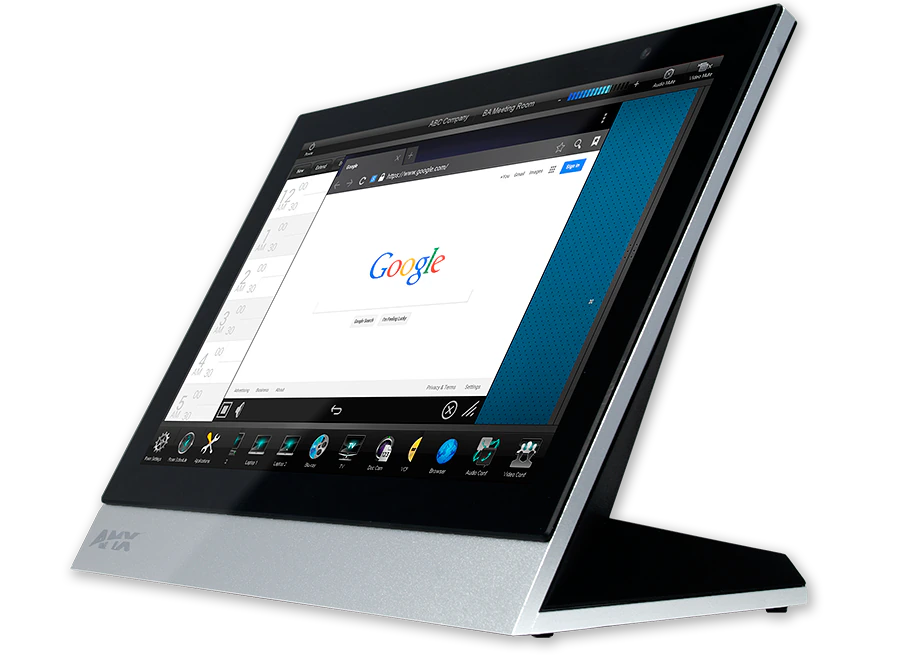
Panneau tactile de table Modero X® Series G5 10,1"

MXT-1001_Front-Left-Angle
Grandes images

Produits de substitution

  • MSA-STMK-10

    MSA-STMK-10

    Secure Table Mount Kit for 10.1" Modero Series Tabletop Touch Panel
  • MXA-MPL

    MXA-MPL

    Modero X® et série Modero S Multi Preview Live
  • PS-POE-AF-TC

    PS-POE-AF-TC

    Injecteur PoE, conforme 802.3AF
  • HPG-10

    HPG-10

    Passe-câble Mini 3/4"
  • MXA-CLK

    MXA-CLK

    Kit de nettoyage d'écran Modero X® et Modero S Series
  • MXA-USB-C

    MXA-USB-C

    Capots de Port USB pour Panneaux Tactiles Série Modero X® et Modero S

Le panneau tactile de table Modero X® Series G5 MXT-1001 / 10,1" est une interface utilisateur haut de gamme qui intègre le moteur graphique G5 et offre des performances supérieures. Conçu spécifiquement pour la commande de salles dédiées, ce panneau tactile au design élégant fournit des animations et des transitions rapides et fluides, ainsi qu'un processeur quad-core qui offre plus que suffisamment de puissance de traitement pour exécuter les applications les plus exigeantes d'aujourd'hui et de demain. Le MXT-1001 inclut également un navigateur web intégré et des lecteurs de documents, permettant aux utilisateurs d'accéder aux informations en temps réel lors de réunions ou de conférences.

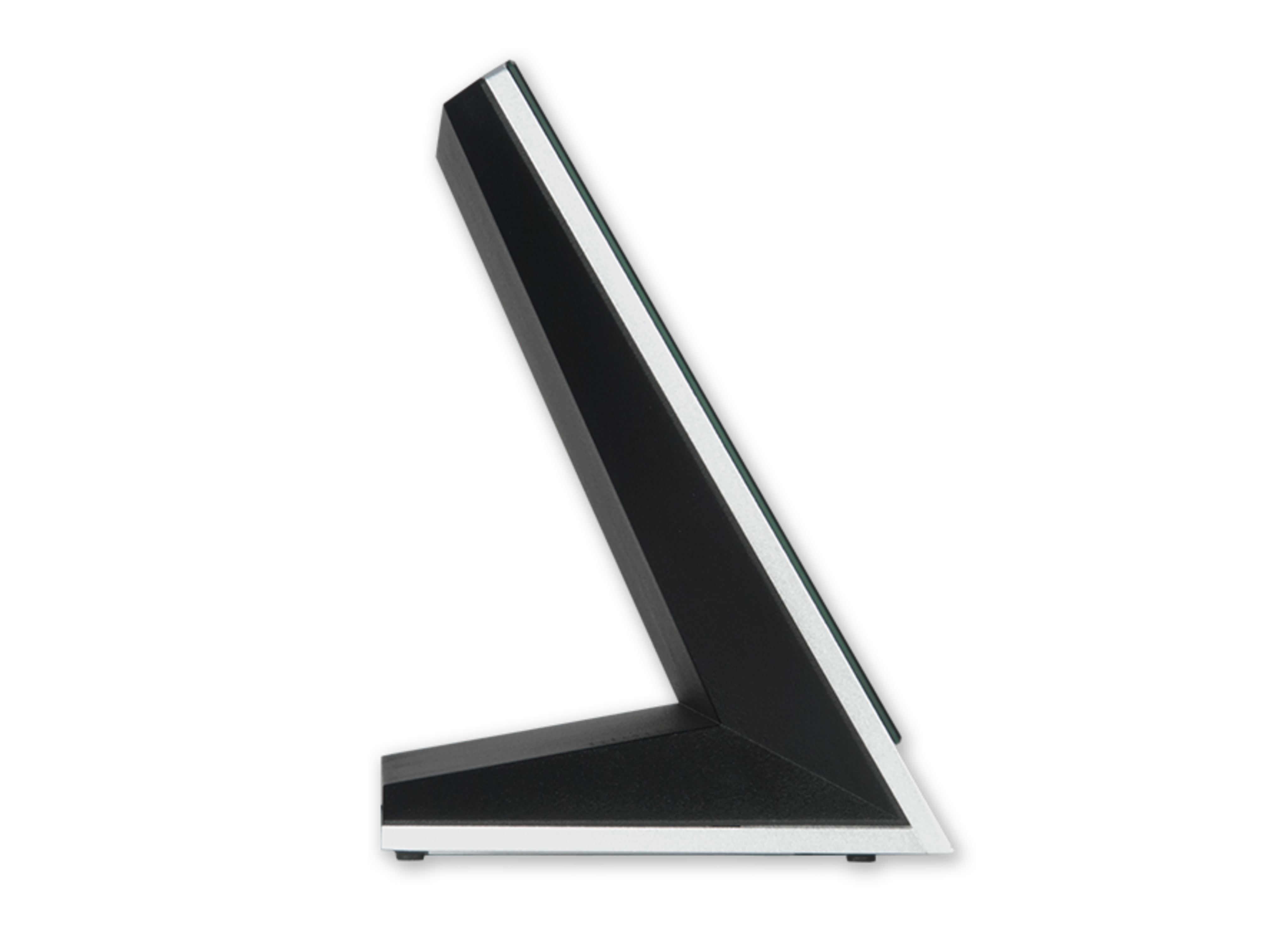
Le MXT-1001 est conçu pour l'utilisabilité, offrant un verre tactile capacitif bord à bord avec des capacités multi-touch. Le design distinctif et épuré est conçu pour s'adapter parfaitement sur une table sans obstruer les vues, et est fourni avec une variété d'options de montage pour une sécurité et une commodité accrues.

plus de détails

  • The MXT-1001 is ideal for boardrooms, conference rooms or auditoriums where a premium control surface is needed to provide access to multiple functions simultaneously while remaining elegantly unobtrusive.
  • In Higher Education, the MXT-1001 is ideal for lecture halls, auditoriums, performing arts theaters and boardrooms that require extensive control capabilities.
  • In residences, it is perfect for main living areas such as kitchens, living rooms, home theaters or home offices where the control surface can be used to manage systems throughout the home.

Téléchargements

Documents
  Taille Téléchargé
file type icon Comparison Chart
mis à jour : avr. 2026
173 ko avr. 2026
CAD Drawings
  Taille Téléchargé
41,9 ko oct. 2020
1,46 Mo oct. 2020
460 ko oct. 2020
Software
  Version Taille Téléchargé
download icon for TPDesign5 TPDesign5
version 1.5.111, publié : oct. 2018
1.5.111   46,1 Mo oct. 2018
download icon for G5 Support Files G5 Support Files
version 1.5.69, publié : juin 2023
1.5.69   2,47 Mo juin 2023
Firmware
  Version Taille Téléchargé
download icon for Modero G5 (MD & MT) Touch Panel Firmware Modero G5 (MD & MT) Touch Panel Firmware
version 1.8.55, publié : oct. 2022
1.8.55   276 Mo oct. 2022
Data Sheets
  Taille Téléchargé
file type icon Data Sheet - MXT-1001
mis à jour : oct. 2020
636 ko oct. 2020
Quick Start Guides
  Taille Téléchargé
196 ko oct. 2020
A&E (Architectural & Engineering) Specifications
  Taille Téléchargé
104 ko juin 2018
Whitepapers
  Taille Téléchargé
1,22 Mo avr. 2018
Safety Sheets
  Taille Téléchargé
102 ko oct. 2020
Touch Panel Files
  Taille Téléchargé
2,36 Mo juil. 2018
2,55 Mo juil. 2018
5,31 Mo juil. 2018
6,77 Mo juil. 2018
66,2 Mo juil. 2018
5,95 Mo juil. 2018
2,86 Mo juil. 2018

Si l'un des liens ci-dessus affiche des caractères étranges dans votre navigateur, faites un clic droit sur le fichier pour l'enregistrer sur votre ordinateur.

Caractéristiques

  • G5 Graphics Engine and Quad Core Processing – The most powerful processing in the industry delivers smooth gesturing, swiping, dynamic reordering, enhanced animation with transitions all at higher speeds for an experience any user will enjoy
  • Simplified Enterprise Touch Panel and Firmware Updates – Deploy and update touch panel files and firmware files from a network URL for simplified company-wide updates
  • Built-in Web Browser, Document Viewers and Enzo Sharing – Conveniently simplifies accessing and presenting real-time content and documents during meetings. Simply preview files accessed via the native web browser, USB, or cloud storage apps before sending content directly to Enzo. An upcoming firmware release will allow apps to be updated or disabled using the onboard G5 App Update Manager.
  • Adjustable Security Modes – With the ability to select from high security or custom modes, administrators can customize the panel’s security levels for access, networking and communication.
  • Perfect From Any Angle – Includes In-Plane Switching (IPS), which delivers the widest viewing angles and the most accurate color reproduction on the market
  • Enhanced User Experience – The Modero X Series features intuitive UI functionality including: gesturing, swiping, dynamic reordering and enhanced animation capabilities
  • View and Select Dynamic Data with Listview Buttons – Display a listing of entries generated by a dynamic data source (e.g. phonebook contacts, call logs, RSS feed or other real time data sources) enabling the user to scroll or search to make a selection. Demos are available in the UI Resource Center

*Product Update Notice: Near Field Communication™ (NFC) and High Frequency RFID (HF RFID) will no longer be included product features for all AMX Modero X® Series Touch Panels, shipping on or after October 1, 2017.

Caractéristiques techniques

Display Size (WH) 9.9" x 6.7" (252 mm x 170 mm), 12.0" (304 mm) diagonal
Viewable Area (WH) 8.5" x 5.3" (217mm x 136mm), 10.1" (257mm) diagonal
Resolution 1280x800
Viewing Angle Vertical: ± 89°, Horizontal: ± 89°
Aspect Ratio 16:9
Touch Overlay Projected capacitive, multi-touch support, 3 simultaneous max
Graphics Engine AMX G5
Front Panel Components Light Sensor, Proximity Detector, Camera, LED Indicators, Sleep button. See Data Sheet for details.
Power Consumption Full-On: 12.95 W maximum
Temperature Range Operating: 32° F to 104° F (0° C to 40° C)
Networking Support for static/dynamic IPv4 and static IPv6
FG Numbers FG5968-47