TPDesign5

Touch Panel Design/Programming for Modero X G5 Touch Panels

AMX_color_RGB

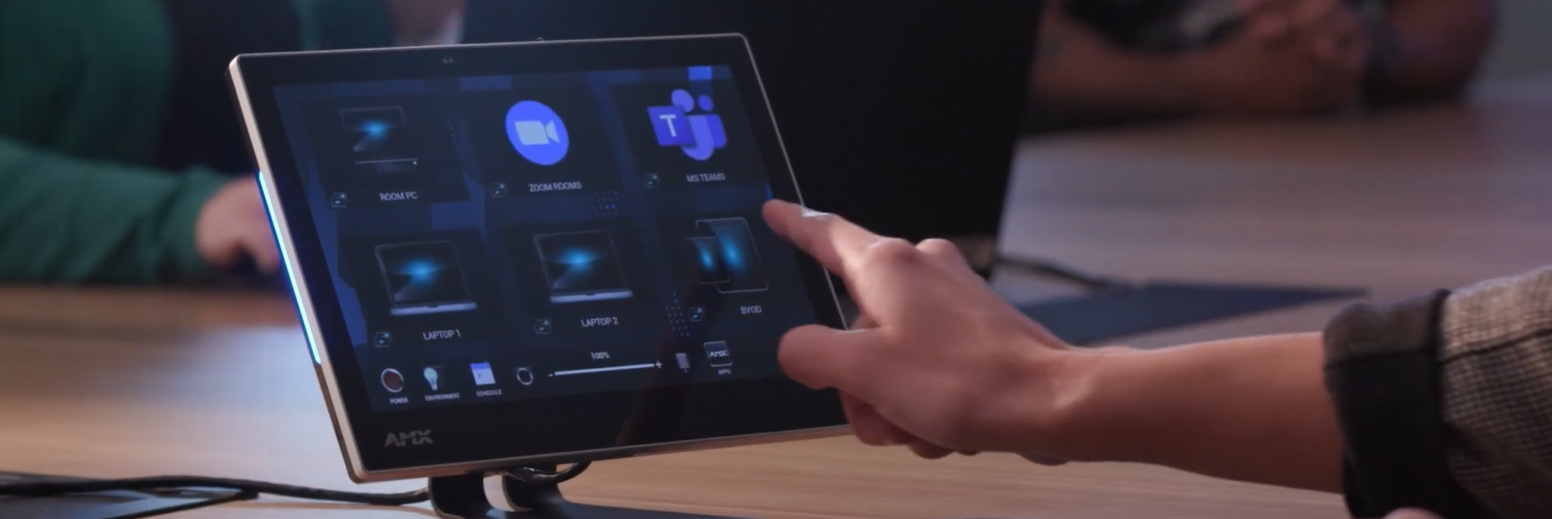
Create state-of-the-art touch panel interfaces for AMX G5 Touch Panels using the TPDesign application. TPDesign5 features enhanced ease of use, speed and functionality, as well as the ability to add Apps to the G5 control environment.

TPDesign5 supports the AMX G5 touch panels.

Téléchargements

Manuals
  Taille Téléchargé
file type icon Instruction Manual - TPDesign5
mis à jour : juil. 2018
13,5 Mo juil. 2018
Software
  Version Taille Téléchargé
download icon for TPDesign5 TPDesign5
version 1.5.111, publié : oct. 2018
1.5.111   46,1 Mo oct. 2018
download icon for G5 Support Files G5 Support Files
version 1.5.69, publié : juin 2023
1.5.69   2,47 Mo juin 2023

Si l'un des liens ci-dessus affiche des caractères étranges dans votre navigateur, faites un clic droit sur le fichier pour l'enregistrer sur votre ordinateur.

Caractéristiques

  • International font capabilities on the user interface including support for right to left languages such as Arabic. A combination of language styles (right to left, and left to right) can also be used. So you can you include Arabic and English on the same screen.
  • Gesture touch recognition with precise velocity and prioritization
    • This feature provides the ability to program gestures on the touch-screen. These gestures include:
      • Left swipe
      • Right swipe
      • Up swipe
      • Down swipe
      • Clockwise
      • Counter-clockwise
      • Double-tap
  • Gestures are implemented in G5 similar to external buttons. They can be programmed with panel-wide defaults that can optionally be overridden for specific pages. Gestures can be edited on the panel's external-buttons page.
  • Page Flip Animations
    • This feature provides for a variety of animated page flip
      • slide
      • slide bounce
      • black glass
      • fade
      • door fade
      • page curl
      • center door fade
  • Embed certain Apps such as web browsers or Skype™ within the control environment as free-floating windows or fixed docking windows.

HARMAN Pro Insights

Full-Throttle Enterprise AV Control: Exploring the AMX Varia G5 Control Persona feature

Full-Throttle Enterprise AV Control: Exploring the AMX Varia G5 Control Persona

Selecting the right user interface for enterprise AV control is essential for delivering successful projects and an exceptional user experience. In this series, we explore AMX Varia touch panel personas—pre-loaded apps that define the complete panel experience. Previously, we spotlighted the Book Scheduling and Web

CONTINUE READING

TPDesign5

Touch Panel Design/Programming for Modero X G5 Touch Panels