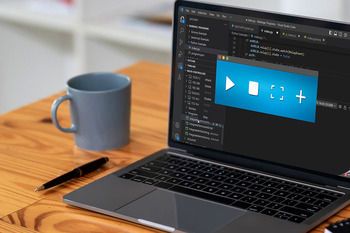
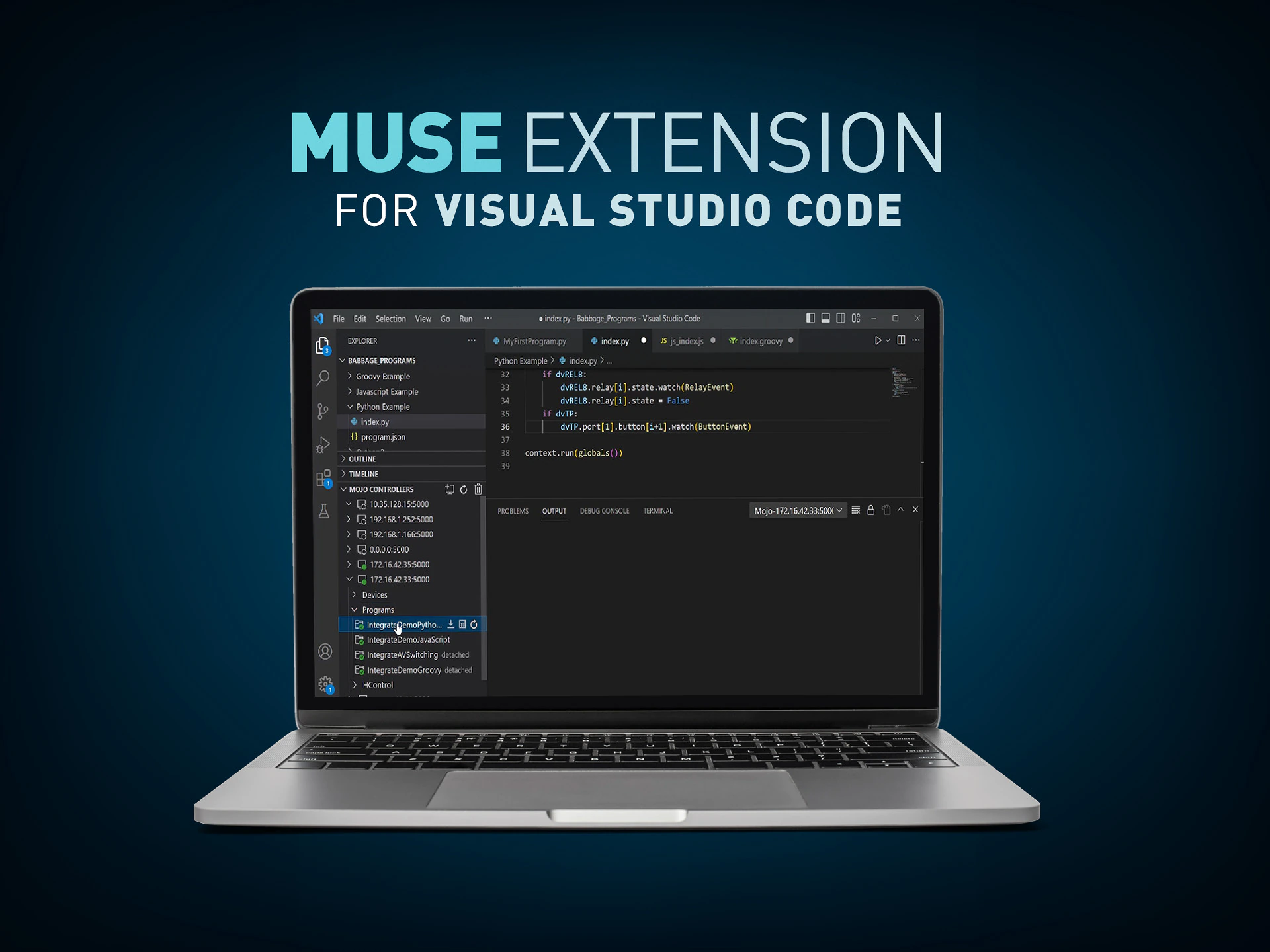
The MUSE Extension for Visual Studio Code adds a panel to the Explorer which greatly simplifies the interaction with MUSE Automation Controllers. The extension makes it easy to connect to MUSE Automation Controllers and view devices attached to those controllers. Loading and managing scripts on each controller is also made simple through the extension.
CONNECT MUSE DEVICES
Connect to MUSE Devices to view status
LOAD SCRIPTS
Load scripts simply without the need to manage folder structures or create descriptor files
MANAGE SCRIPTS
Start, Stop, Attach, Enable, Disable, Download, and Delete scripts

CONNECT MUSE DEVICES
Connect to MUSE Devices to view status

LOAD SCRIPTS
Load scripts simply without the need to manage folder structures or create descriptor files
MANAGE SCRIPTS
Start, Stop, Attach, Enable, Disable, Download, and Delete scripts
Visual Studio Code ist mit Abstand die beliebteste Code-Entwicklungsumgebung der Welt. Es ist ein kostenloses Tool, das auf Open-Source basiert und von einer aktiven Community sowie von Microsoft unterstützt wird. VS Code-Installationen können durch Erweiterungen angepasst werden, die Sprachen, Debugger und viele andere Funktionen hinzufügen. Die MUSE-Erweiterung vereinfacht die Verwendung von MUSE Automation Controllers mit VS Code erheblich.
Software
| |
Version |
Größe |
Hochgeladen |
|
|
|
|
|
|
|
1.5.13
|
498 MB
|
Feb 2026
|
Programming Guides
| |
Version |
Größe |
Hochgeladen |
|
|
1.7 |
3,72 MB |
Mär 2026 |
Falls einer der obigen Links zu seltsamen Zeichen in Ihrem Browser führt, klicken Sie bitte mit der rechten Maustaste auf die Datei, um sie auf Ihrem Computer zu speichern.
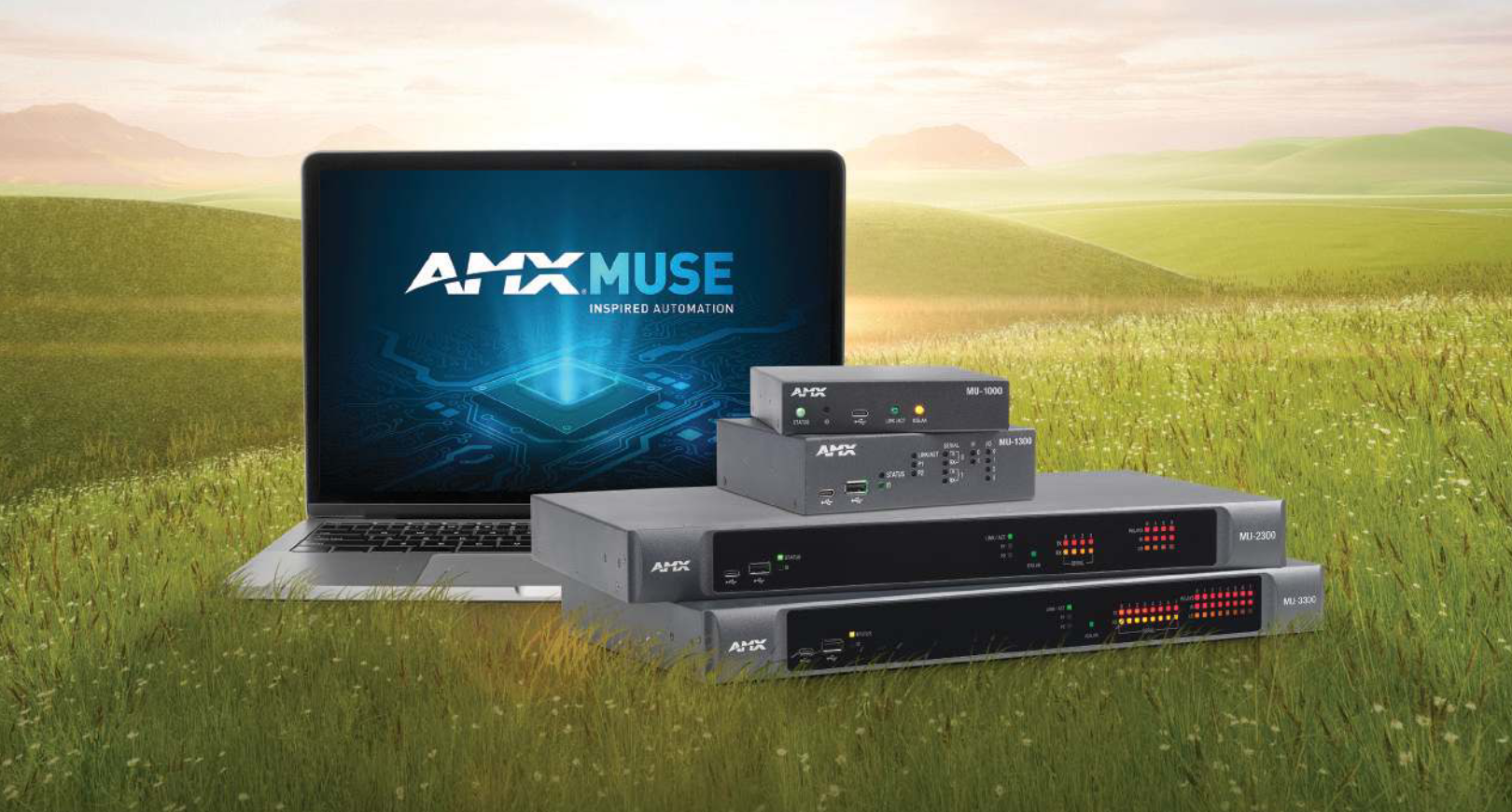
The MUSE automation platform from AMX is a uniquely different and powerfully flexible approach to designing AV control systems. By embracing standard tools and technologies, MUSE supports a variety of skill sets, expanding access to a wider group of developers. To better understand what’s possible
CONTINUE READING


 Beratersupport