HPX-U100-2BTN

Module pavé tactile HydraPort® 2 boutons

HPX-U100-2BTN-Front
Grandes images

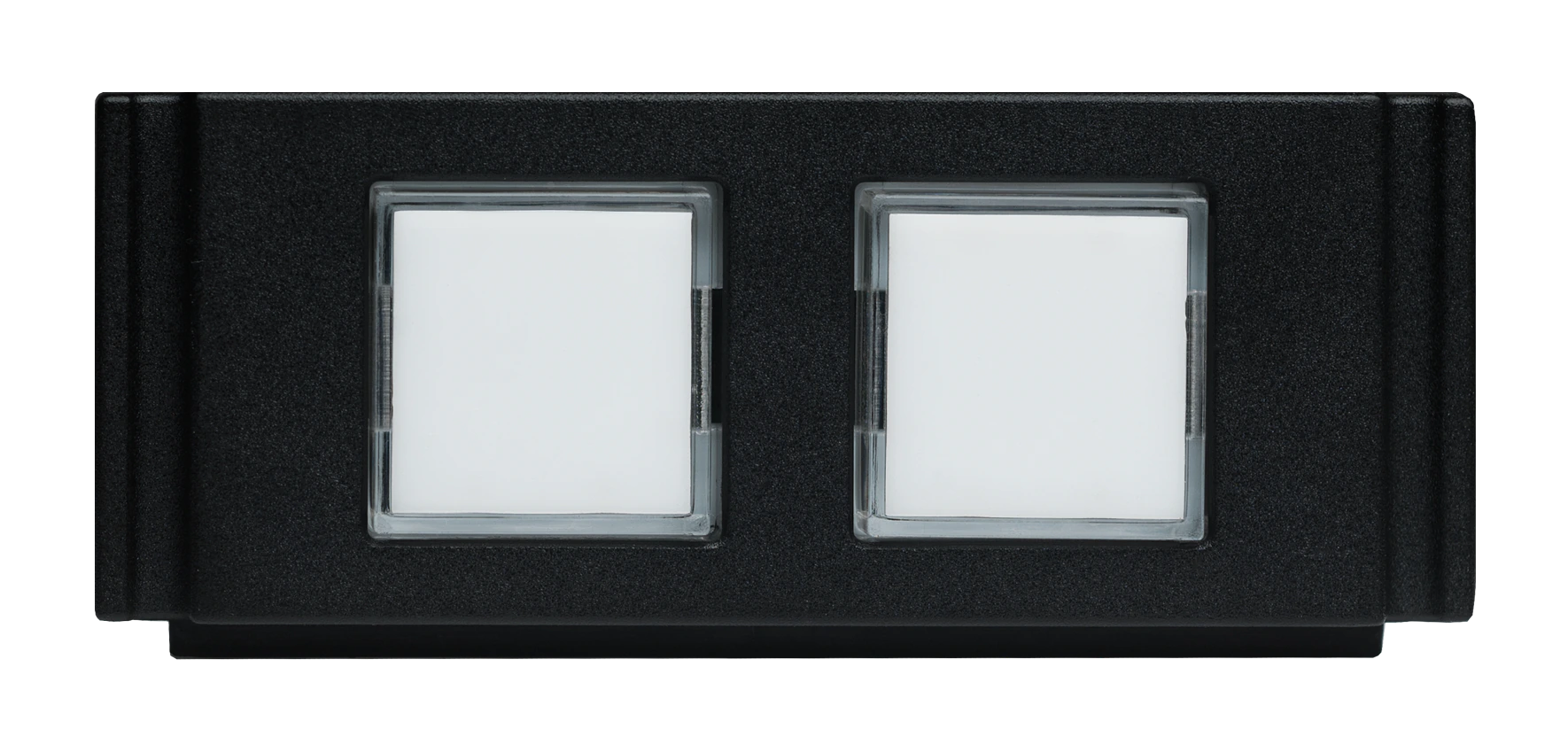
The HPX-U100-2BTN HydraPort 2-Button Keypad Module with LEDs is a HydraPort module with two buttons that enable users to switch to a specific device when pressed. The optional button inserts (FG554-08) are color coded to match similarly colored tags that clip onto the end of the cable where it plugs into the device, making it easy to identify which button selects which device. The buttons illuminate when a specific device is active, making it easy to determine which device's content is being shown on the display at any given time.

Each HPX-U100-2BTN includes 2 buttons and takes only 1 HydraPort unit. Multiple modules can be stacked to accommodate a large number of devices. Each module comes with a set of colored button labels and matching tags.

plus de détails

  • This solution is perfect for any meeting space or classroom where people view content from multiple devices by switching between them
  • Optimal for active learning environments where multiple students are connected simultaneously

Vidéos


Configuration_tool

Téléchargements

Quick Start Guides
  Version Taille Téléchargé
380 ko oct. 2020
Safety Sheets
  Version Taille Téléchargé
file type icon Safety Instructions - HydraPort
version E, mis à jour : jan. 2024
1,25 Mo jan. 2024
Data Sheets
  Taille Téléchargé
file type icon Data Sheet - HydraPort Modules
mis à jour : avr. 2024
1,02 Mo avr. 2024
Configuration Tools
  Taille Téléchargé
mars 2021

Si l'un des liens ci-dessus affiche des caractères étranges dans votre navigateur, faites un clic droit sur le fichier pour l'enregistrer sur votre ordinateur.

Caractéristiques

  • Switch at the HydraPort – Just press a button in the HydraPort module to immediately switch to a specific device and show its content on the display
  • Simple Button Layout on HydraPort Module – Optional accessory (FG554-08) with colored buttons inserts and matching cable bands with matching tags that snap onto the end of each device's cable connector, making it easy to select and switch to any connected device
  • Stack Multiple Modules – Install as many HydraPort modules as you need to accommodate a large number of devices. Each module takes up only 1 HydraPort Unit and contains 2 buttons


Caractéristiques techniques

Dimensions 1 HydraPort Unit
Power
  • Accepts +12 VDC nominal voltage
  • Supports an input voltage range of 8 - 18 V
  • Must be used in conjunction with a compatible AMX device that can power the LEDs, including:
    • Solecis using the LED Control Connection port ("LED") for power
    • NX Master or DVX using the GND from the I/O Port connector
Front Panel Components
  • Two Button LED input buttons with white LED back-light
  • Must be used in conjunction with a compatible AMX device that can sense the contact closure of the button being pressed, including:
    • Solecis using the External Button/switch (“SW”) input for contact closure
    • NX Master or DVX using the I/O Channels from the I/O Port connector
Rear Panel Components 5-position Phoenix screw-terminal connector for LED, contact closure (for button press), and power
FG Numbers FG554-02