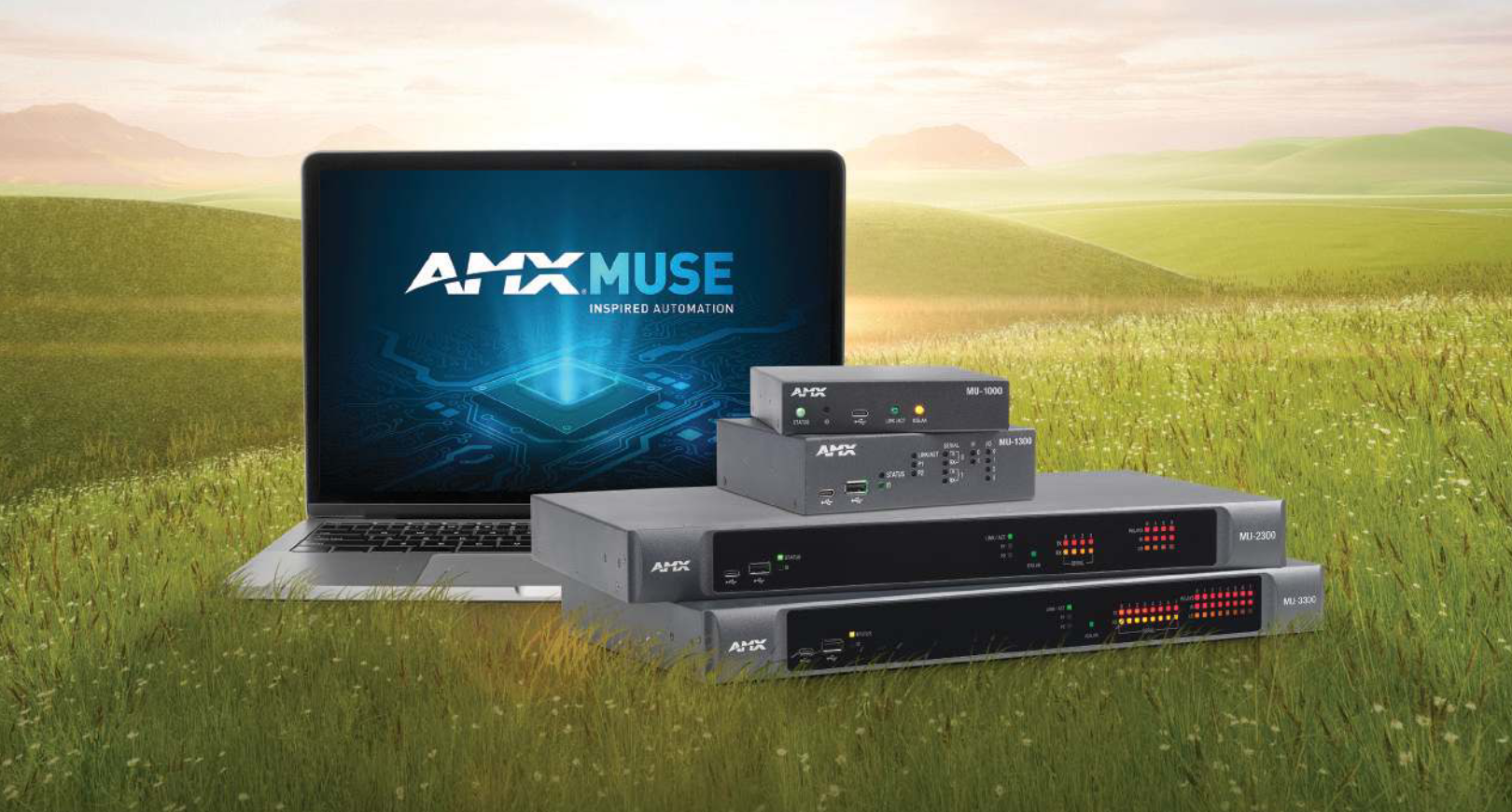

MUSE Automator

Node-RED for MUSE

MUSE-Automator-App-Transparent_Black
รูปภาพขนาดใหญ่

AMX MUSE Automator เป็นเครื่องมือการเขียนโปรแกรมแบบไหลข้อมูล Node-RED เวอร์ชันที่ปรับแต่งและติดตั้งได้ง่าย ด้วย Automator โซลูชัน MUSE Automation สามารถปรับแต่งได้โดยลากโหนดจากพาเลตลงในพื้นที่ทำงานและเชื่อมต่อเข้าด้วยกันเพื่อสร้างลำดับการไหลที่มีตรรกะ โซลูชันจำนวนมากสามารถเขียนโปรแกรมได้โดยไม่ต้องเขียนโค้ดแม้แต่บรรทัดเดียว

MUSE Automator ยังรองรับการสร้างโหนดที่กำหนดเองโดยใช้ JavaScript และเข้ากันได้อย่างสมบูรณ์กับโหนดและลำดับการไหล Node-RED มาตรฐาน นักพัฒนาที่ใช้ Automator สามารถได้รับประโยชน์จากชุมชนการพัฒนาออนไลน์ที่มีความเข้มแข็ง ซึ่งสร้างโหนดที่กำหนดเองสำหรับติดต่อสื่อสารกับอุปกรณ์และแอปพลิเคชันของบุคคลที่สาม
  • NATIVE NO-CODE / LOW-CODE PROGRAMMING

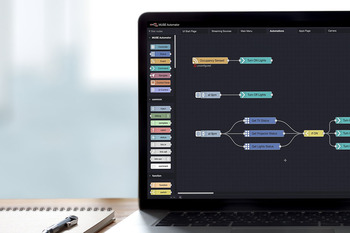
    Solutions can be customized by dragging nodes from the palette into the workspace and wiring them together to create logical flows without the need to write any code.

  • SIMPLIFIED INSTALLATION

    MUSE Automator is a customized version of Node-RED that includes a MUSE-specific node palette as well as a streamlined tool for loading flows to MUSE Automation Controllers and is simple to install and run.

  • FULL NODE-RED COMPATIBILITY

    Fully compatible with standard Node-RED nodes and flows, developers using Automator can benefit from the active online development community creating custom nodes to interface with 3rd party devices and applications.

featured content

NATIVE NO-CODE / LOW-CODE PROGRAMMING

Solutions can be customized by dragging nodes from the palette into the workspace and wiring them together to create logical flows without the need to write any code.

featured content

SIMPLIFIED INSTALLATION

MUSE Automator is a customized version of Node-RED that includes a MUSE-specific node palette as well as a streamlined tool for loading flows to MUSE Automation Controllers and is simple to install and run.

featured content

FULL NODE-RED COMPATIBILITY

Fully compatible with standard Node-RED nodes and flows, developers using Automator can benefit from the active online development community creating custom nodes to interface with 3rd party devices and applications.
รายละเอียดเพิ่มเติม

MUSE Automator is the ideal tool for developers that prefer a visual programming environment. With the right nodes, Automator can be used to program meeting rooms or classrooms without the need to write any code. Unlike other visual programming environments, however, Automator also supports creating custom coded solutions with JavaScript, making is suitable for use across an entire campus or enterprise.

การดาวน์โหลด

Manuals
  เวอร์ชัน ขนาด อัปโหลดแล้ว
file type icon Instruction Manual - MUSE Automator
เวอร์ชัน 1.3, อัปเดต: ก.พ. 2026
1.3  2.49 เมกะไบต์ ก.พ. 2026
Software
  เวอร์ชัน ขนาด อัปโหลดแล้ว
download icon for MUSE Automator - Windows MUSE Automator - Windows
เวอร์ชัน 1.3.17, อัปเดต: ก.พ. 2026
1.3.17   624 เมกะไบต์ ก.พ. 2026
download icon for MUSE Automator - macOS MUSE Automator - macOS
เวอร์ชัน 1.3.17, อัปเดต: ก.พ. 2026
1.3.17   650 เมกะไบต์ ก.พ. 2026

หากลิงก์ใดด้านบนแสดงตัวอักษรแปลกๆ ในเบราว์เซอร์ของคุณ โปรดคลิกขวาที่ไฟล์เพื่อบันทึกไว้ในคอมพิวเตอร์ของคุณ

คุณสมบัติ

  • Drag and Drop Programming – Create programs visually by dragging nodes to the workspace and wiring them together logically
  • Full Node-RED Compatibility – Fully compatible with standard Node-RED nodes and flows, developers using Automator can benefit from the active online development community
  • Load Flows with a single click – Automator flows can be loaded to MUSE Automation Controllers with a single click
  • Limitless Customizability – Automator supports the creation of custom nodes using JavaScript enabling solutions to support any device or application

HARMAN Pro Insights