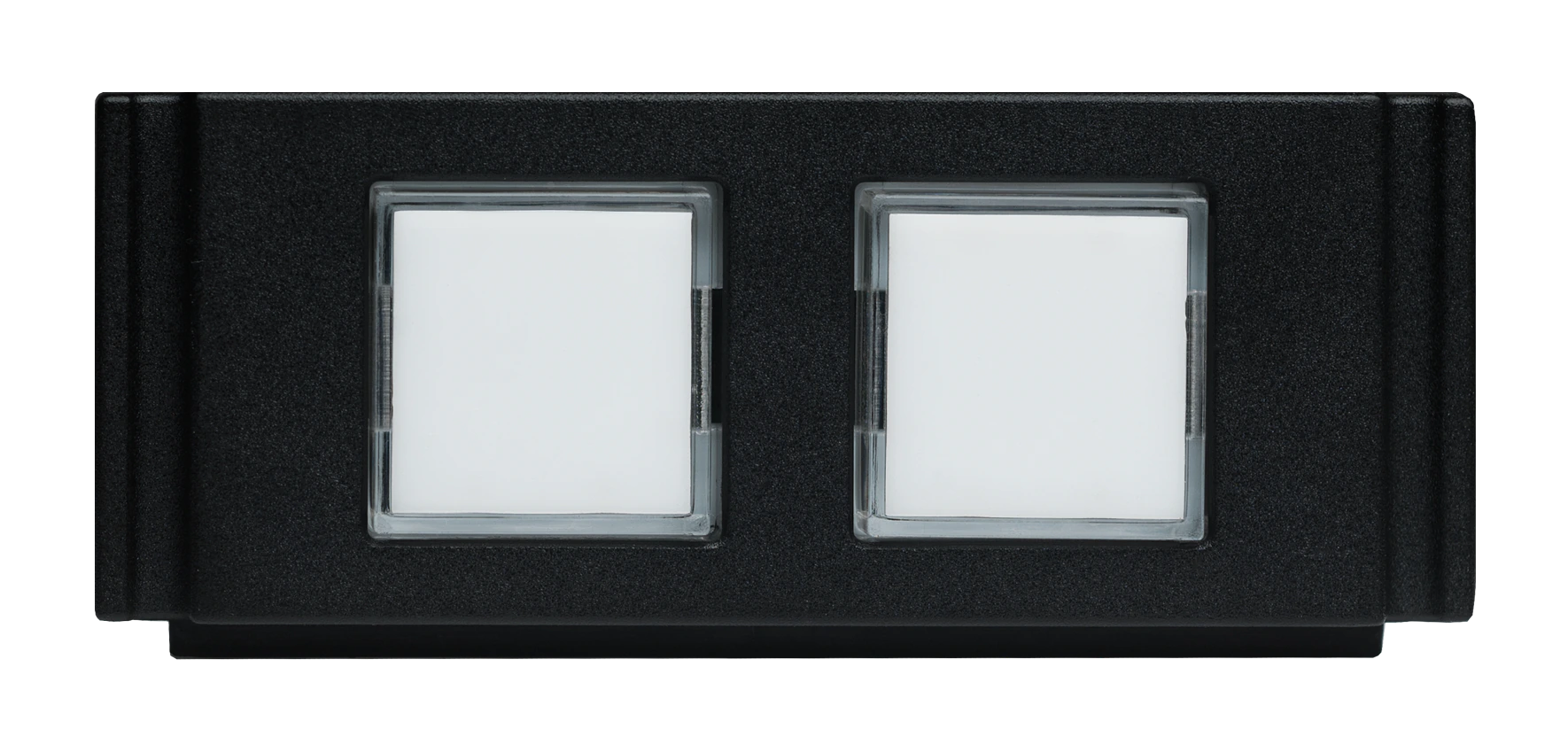
HPX-U100-2BTN

HydraPort® 2-Button Keypad Module

รูปภาพขนาดใหญ่

The HPX-U100-2BTN HydraPort 2-Button Keypad Module with LEDs is a HydraPort module with two buttons that enable users to switch to a specific device when pressed. The optional button inserts (FG554-08) are color coded to match similarly colored tags that clip onto the end of the cable where it plugs into the device, making it easy to identify which button selects which device. The buttons illuminate when a specific device is active, making it easy to determine which device's content is being shown on the display at any given time.

Each HPX-U100-2BTN includes 2 buttons and takes only 1 HydraPort unit. Multiple modules can be stacked to accommodate a large number of devices. Each module comes with a set of colored button labels and matching tags.

รายละเอียดเพิ่มเติม

  • This solution is perfect for any meeting space or classroom where people view content from multiple devices by switching between them
  • Optimal for active learning environments where multiple students are connected simultaneously

วิดีโอ


configuration_tool

การดาวน์โหลด

Quick Start Guides
  เวอร์ชัน ขนาด อัปโหลดแล้ว
file type icon Quick Start Guide - HPX-U100-2BTN Hydraport Two-Button Module
เวอร์ชัน B, อัปเดต: ต.ค. 2020
380 กิโลไบต์ ต.ค. 2020
Safety Sheets
  เวอร์ชัน ขนาด อัปโหลดแล้ว
file type icon Safety Instructions - HydraPort
เวอร์ชัน E, อัปเดต: ม.ค. 2024
1.25 เมกะไบต์ ม.ค. 2024
Data Sheets
  ขนาด อัปโหลดแล้ว
file type icon Data Sheet - HydraPort Modules
อัปเดต: เม.ย. 2024
1.02 เมกะไบต์ เม.ย. 2024
Configuration Tools
  ขนาด อัปโหลดแล้ว
file type icon HydraPort Connection Preview Configuration Tool
อัปเดต: มี.ค. 2021
มี.ค. 2021

หากลิงก์ใดด้านบนแสดงตัวอักษรแปลกๆ ในเบราว์เซอร์ของคุณ โปรดคลิกขวาที่ไฟล์เพื่อบันทึกไว้ในคอมพิวเตอร์ของคุณ

คุณสมบัติ

  • Switch at the HydraPort – Just press a button in the HydraPort module to immediately switch to a specific device and show its content on the display
  • Simple Button Layout on HydraPort Module – Optional accessory (FG554-08) with colored buttons inserts and matching cable bands with matching tags that snap onto the end of each device's cable connector, making it easy to select and switch to any connected device
  • Stack Multiple Modules – Install as many HydraPort modules as you need to accommodate a large number of devices. Each module takes up only 1 HydraPort Unit and contains 2 buttons


ข้อมูลจำเพาะ

Dimensions 1 HydraPort Unit
Power
  • Accepts +12 VDC nominal voltage
  • Supports an input voltage range of 8 - 18 V
  • Must be used in conjunction with a compatible AMX device that can power the LEDs, including:
    • Solecis using the LED Control Connection port ("LED") for power
    • NX Master or DVX using the GND from the I/O Port connector
Front Panel Components
  • Two Button LED input buttons with white LED back-light
  • Must be used in conjunction with a compatible AMX device that can sense the contact closure of the button being pressed, including:
    • Solecis using the External Button/switch (“SW”) input for contact closure
    • NX Master or DVX using the I/O Channels from the I/O Port connector
Rear Panel Components 5-position Phoenix screw-terminal connector for LED, contact closure (for button press), and power
FG Numbers FG554-02