MUSE Automator

Node-RED for MUSE

Muse Automator App Transparent Black
Larger Images

AMX MUSE Automator is an easy to install, customized version of the flow-based programming tool, Node-RED. With Automator, MUSE Automation solutions can be customized by dragging nodes from the palette into the workspace and wiring them together to create logical flows. Many solutions can be programmed without the need to write a single line of code.

MUSE Automator also supports the creation of custom nodes using JavaScript. Fully compatible with standard Node-RED nodes and flows, developers using Automator can benefit from the active online development community creating custom nodes to interface with 3rd party devices and applications.
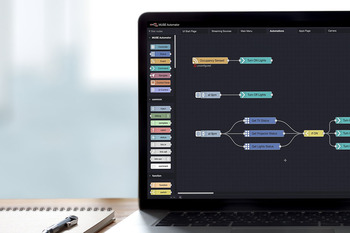
  • NATIVE NO-CODE / LOW-CODE PROGRAMMING

    Solutions can be customized by dragging nodes from the palette into the workspace and wiring them together to create logical flows without the need to write any code.

  • SIMPLIFIED INSTALLATION

    MUSE Automator is a customized version of Node-RED that includes a MUSE-specific node palette as well as a streamlined tool for loading flows to MUSE Automation Controllers and is simple to install and run.

  • FULL NODE-RED COMPATIBILITY

    Fully compatible with standard Node-RED nodes and flows, developers using Automator can benefit from the active online development community creating custom nodes to interface with 3rd party devices and applications.

featured content

NATIVE NO-CODE / LOW-CODE PROGRAMMING

Solutions can be customized by dragging nodes from the palette into the workspace and wiring them together to create logical flows without the need to write any code.

featured content

SIMPLIFIED INSTALLATION

MUSE Automator is a customized version of Node-RED that includes a MUSE-specific node palette as well as a streamlined tool for loading flows to MUSE Automation Controllers and is simple to install and run.

featured content

FULL NODE-RED COMPATIBILITY

Fully compatible with standard Node-RED nodes and flows, developers using Automator can benefit from the active online development community creating custom nodes to interface with 3rd party devices and applications.
Common Applications

MUSE Automator is the ideal tool for developers that prefer a visual programming environment. With the right nodes, Automator can be used to program meeting rooms or classrooms without the need to write any code. Unlike other visual programming environments, however, Automator also supports creating custom coded solutions with JavaScript, making is suitable for use across an entire campus or enterprise.

Downloads

Manuals
  Version Size Uploaded
file type icon Instruction Manual - MUSE Automator
version 1.3, updated: Feb 2026
1.3  2.49 MB Feb 2026
Software
  Version Size Uploaded
download icon for MUSE Automator - Windows MUSE Automator - Windows
version 1.3.17, updated: Feb 2026
1.3.17   624 MB Feb 2026
download icon for MUSE Automator - macOS MUSE Automator - macOS
version 1.3.17, updated: Feb 2026
1.3.17   650 MB Feb 2026

If any of the links above result in strange characters in your browser, please right-click the file to save it to your computer.

Features

  • Drag and Drop Programming – Create programs visually by dragging nodes to the workspace and wiring them together logically
  • Full Node-RED Compatibility – Fully compatible with standard Node-RED nodes and flows, developers using Automator can benefit from the active online development community
  • Load Flows with a single click – Automator flows can be loaded to MUSE Automation Controllers with a single click
  • Limitless Customizability – Automator supports the creation of custom nodes using JavaScript enabling solutions to support any device or application

HARMAN Pro Insights

AMX MUSE Case Study: Exploring the Transformative Power of Open Automation & Control feature

AMX MUSE Case Study: Exploring the Transformative Power of Open Automation & Control

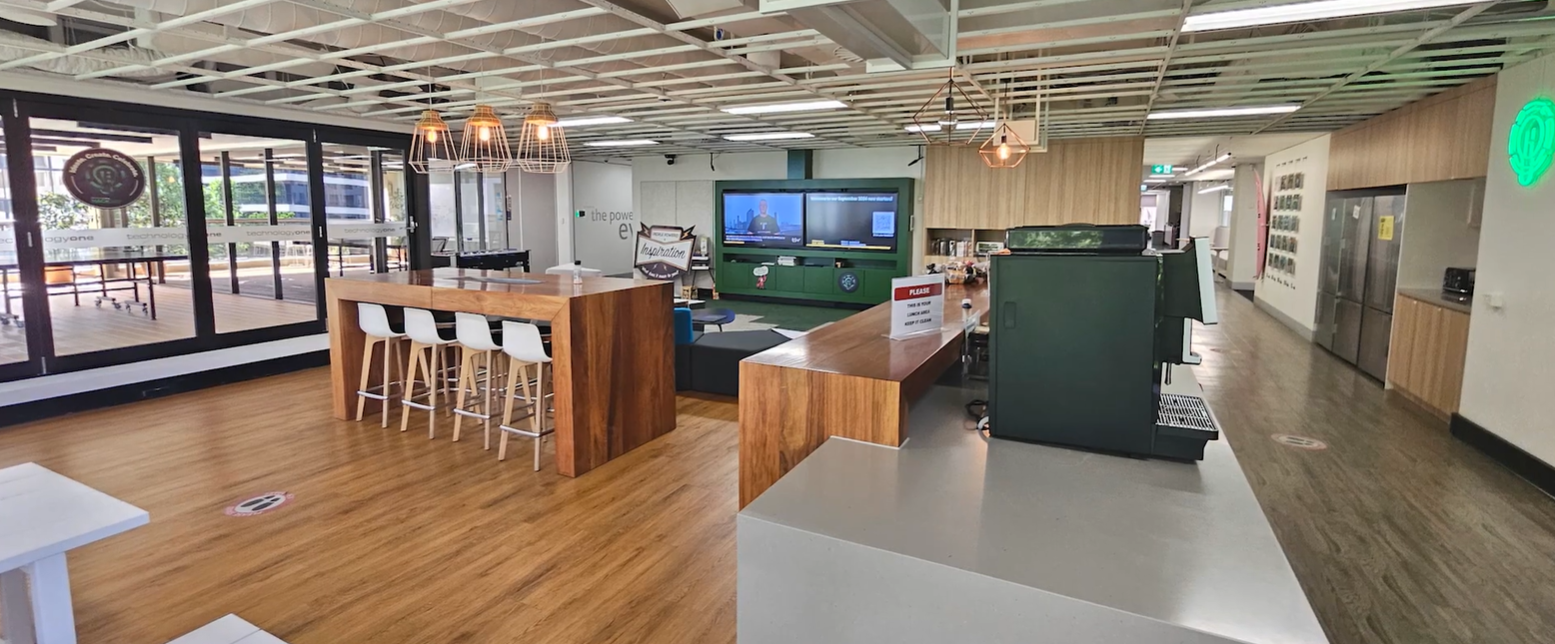
INTRODUCTION TechnologyOne, an Australian SaaS ERP solutions provider, was searching for the ideal solution to upgrade their aging control system as well as seamlessly integrate with their networked AV infrastructure, user interfaces, and other systems. This case study explores their journey to identify the right

CONTINUE READING

AMX MUSE: Empowering AV Developers with a Playground of Possibilities feature

AMX MUSE: Empowering AV Developers with a Playground of Possibilities

The MUSE automation platform from AMX is a uniquely different and powerfully flexible approach to designing AV control systems. By embracing standard tools and technologies, MUSE supports a variety of skill sets, expanding access to a wider group of developers. To better understand what’s possible

CONTINUE READING

HARMAN Professional Solutions: